WooCommerce gives store owners flexibility, but that flexibility comes with trade-offs as a store grows. Over time, pages slow down as plugins accumulate, carts get abandoned without obvious reasons, and customer questions start consuming more time than expected. These issues rarely appear all at once, but they compound quickly and directly affect revenue.
After working closely with multiple WooCommerce stores and testing dozens of extensions in real production environments, one pattern becomes clear. Popular plugins are not always practical plugins. Many promise powerful features but add unnecessary weight to the site. Others solve edge cases while ignoring the problems that actually impact conversions, checkout flow, and customer trust.
This blog focuses on 15 WooCommerce plugins that solve practical problems store owners deal with every day. Each plugin is included because it addresses a specific bottleneck, whether that is checkout friction, abandoned carts, poor product discovery, or overwhelmed customer support. The goal is not to add more plugins, but to use the right ones that create measurable improvements without adding complexity.
Your Tech Stack Defines Your Growth Potential
Every plugin you install is a trade-off between new functionality and site performance. Successful merchants view their plugin list not as a shopping cart of features, but as their store’s critical infrastructure.
- Speed Directly Impacts Revenue: There is a direct correlation between site speed and conversion rates. Bloated or poorly coded plugins add scripts that slow down page loads, particularly on mobile. A lean, optimized stack ensures that your infrastructure supports sales rather than creating friction that drives customers away.
- Stability at Scale: A store might run fine with twenty random plugins when handling ten orders a day, but that same setup can crash under the pressure of a holiday sale. High-quality tools are built to handle volume. Choosing the right architecture now prevents expensive downtime and technical debt when your traffic spikes.
- Operational Efficiency: The right plugins reduce manual work. If a tool doesn’t automate a process, reduce support volume, or increase average order value, it is likely just dead weight. The goal is to build a system where inventory, payments, and marketing talk to each other seamlessly, allowing you to focus on strategy instead of fixing broken integrations.
Essential Plugins for your Woocommerce Store at Glance
Here is a quick and clear overview of the best WooCommerce plugins, helping you compare their features, benefits, and performance so you can choose the right tools for your online store.
| Plugins | Best For |
|---|---|
| WooPayments | Native WooCommerce payments, refunds, disputes, and simple setup. |
| YourGPT | Customer support, Product Recommendation, Engagement across multiple channels. |
| WPForms | Contact forms, surveys, support forms, and payment forms. |
| Rank Math SEO | Product SEO, schema, and search visibility for WooCommerce pages. |
| Outfy | Social media automation, brand visibility, and product content posting. |
| OptinMonster | Popups, exit intent capture, lead collection, and cart abandonment offers. |
| MonsterInsights | Google Analytics reporting and ecommerce tracking inside WordPress. |
| Advanced Coupons | Discount rules, BOGO deals, promotions, loyalty-style offers. |
| FunnelKit | Checkout optimization, order bumps, post-purchase upsells. |
| Yoast SEO for WooCommerce | Structured SEO for products and categories with readable content checks. |
| WooCommerce Subscriptions | Memberships, subscription boxes, recurring billing products. |
| SeedProd | Landing pages, funnels, product pages, and store layouts. |
| Jetpack | Security, backups, performance tools, and uptime monitoring. |
| WooCommerce Product Search | Faster product discovery with better onsite search experience. |
| Omnisend | Email and SMS automation for cart recovery and repeat purchases. |
Suggested Reading
AI Chatbots Resolve Common WooCommerce Challenges
Product Recommendation Plugins for WooCommerce
Best WooCommerce Plugins to Scale Your Online Store
With these principles established, let’s explore the plugins delivering measurable results for WooCommerce stores in 2026.
1. WooPayments – Native Payment Processing Built for Seamless Integration
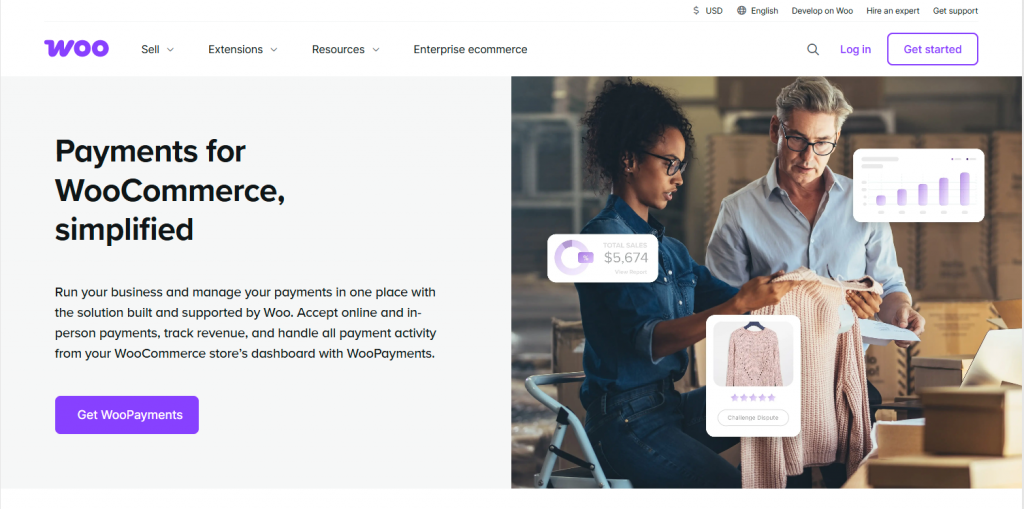
WooPayments is an all-in-one payment solution developed by Automattic, the team behind WordPress. What makes this plugin stand out is its seamless integration with WooCommerce. It allows you to manage all your payments directly from your WordPress dashboard, with no need for third-party accounts or external gateways.
It supports major payment methods, including credit cards, express checkout, and digital wallets, and it automatically handles refunds, chargebacks, and payment disputes. If you’re already using WooCommerce, this plugin is a great choice because it provides a smooth experience without requiring complex configurations.
WooPayment lets you sell globally because it’s available in 38 countries, and your customers can make payments in over 135 currencies.
WooPayments Features
- Native WooCommerce Integration: Designed exclusively for WooCommerce, ensuring seamless compatibility and a streamlined setup.
- Broad Payment Acceptance: Accepts major credit cards, debit cards, Apple Pay, Google Pay, and PayPal.
- Centralized Management: Handle refunds, disputes, and deposits directly within the WordPress dashboard.
- Buy Now, Pay Later: Offers installment payment options for customers in supported regions.
- Cost-Effective Structure: No setup costs or monthly subscription fees; pricing is based strictly on transaction volume.
Pros
- Seamless Onboarding: The most straightforward setup process available for WooCommerce store owners.
- Unified Experience: Eliminates the need to manage third-party gateways separately.
- Automated Workflow: Real-time payment syncing and integrated reporting simplify financial tracking.
Cons
- Regional Restrictions: Service availability is limited to specific countries.
- Standard Transaction Fees: While there are no monthly fees, standard per-transaction fees apply.
2. YourGPT – Complete AI Platform

YourGPT is a no code AI platform that help business build ai agents for customer support, sales and business operations.
It offers deep integration with WooCommerce to access real-time data, including product information, inventory levels, order status, and shipping details. This connectivity allows the AI to deliver precise, personalized answers to every customer inquiry instantly, rather than relying on static responses.
With support for over 100 languages, YourGPT is ideal for scaling international operations, capable of handling unlimited conversations simultaneously. By engaging customers at the right moment, businesses can reduce support tickets by 30–40% through data-driven accuracy.
YourGPT Features
- No-Code Setup: Simple WordPress plugin installation that requires no technical expertise.
- Deep WooCommerce Integration: Accesses real-time store data, including inventory, order status, and product recommendation, for precise answers.
- Custom Knowledge Base: Trains directly on your specific store policies, product details, and documentation.
- Omnichannel Integration: Connect your AI agent across different channels like Whatsapp, Instagram, Telegram, Messenger.
- Global Multilingual Support: Fluently communicates in 100+ languages to serve international customers effectively.
- Proactive Cart Recovery: detecting intent and engaging customers at critical moments to recover lost sales.
- Unlimited Scalability: Handles unlimited simultaneous conversations without compromising response speed or quality.
Pros
- Best Customer Service AI Tool: Delivers superior accuracy and personalization compared to standard tools.
- Operational Efficiency: Significantly reduces support ticket volume by automating routine inquiries.
- 24/7 Availability: Provides instant, accurate resolutions at any time of day.
- Continuous Improvement: The AI learns from interactions to provide better answers over time.
Cons
- Only 7 day free trial
- Advanced customization requires some technical understanding.
3. WPForms – Professional Contact Forms for Better Customer Communication
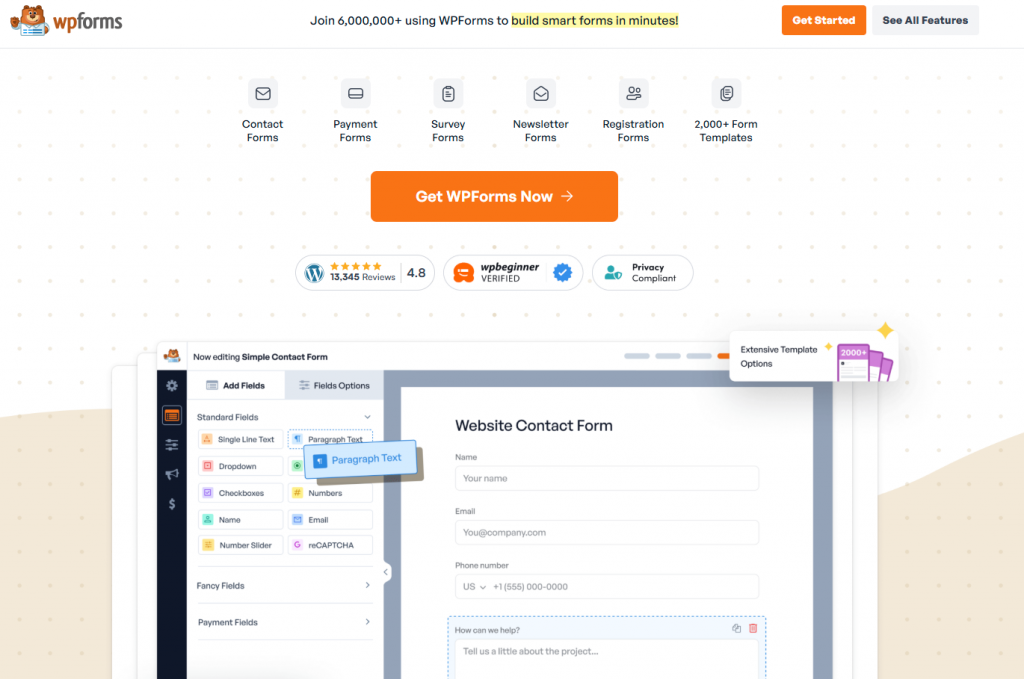
WPForms is a drag-and-drop form builder that makes creating professional contact forms incredibly easy. What makes it valuable for WooCommerce stores is its deep integration with your e-commerce operations. You can create custom forms for product inquiries, wholesale applications, customer feedback, and more.
The plugin comes with over 2,000 pre-built templates that speed up the form creation process. When customers submit forms, the data flows directly into your WooCommerce system. This integration enables powerful automation, like automatically creating customer accounts with special pricing tiers when someone fills out a wholesale inquiry form.
Conditional logic lets you show or hide form fields based on previous answers, creating a personalized experience without overwhelming customers with irrelevant questions. The form abandonment tracking feature helps you identify where customers drop off, so you can refine your forms for better completion rates.
WPForms Features
- Visual Drag-and-Drop Builder: Create forms easily without coding, supported by a library of 2,000+ pre-built templates.
- WooCommerce Integration: Automates workflows by connecting forms directly to your store’s data and order processes.
- Smart Conditional Logic: Shows or hides fields based on user input to create dynamic, personalized form experiences.
- Form Abandonment Tracking: Captures partial entries to help identify friction points and recover lost leads.
- Versatile Payment Collection: Accept payments via Stripe, PayPal, and others directly through your forms.
- Built-in Spam Protection: Includes smart CAPTCHA support and honeypot features to block spam submissions.
Pros
- User-Centric Design: Extremely beginner-friendly interface that requires absolutely no technical skills.
- Reliable Support: Backed by extensive documentation and a responsive support team.
- Ecosystem Compatibility: Functions seamlessly within the WordPress and WooCommerce environment.
Cons
- Premium Tiers for Power: Advanced features like abandonment tracking and payment integration are locked behind paid plans.
- Cost Scaling: Pricing can increase significantly if you need licenses for multiple sites or enterprise features.
4. Rank Math SEO – Making Your Products Discoverable on Search Engines
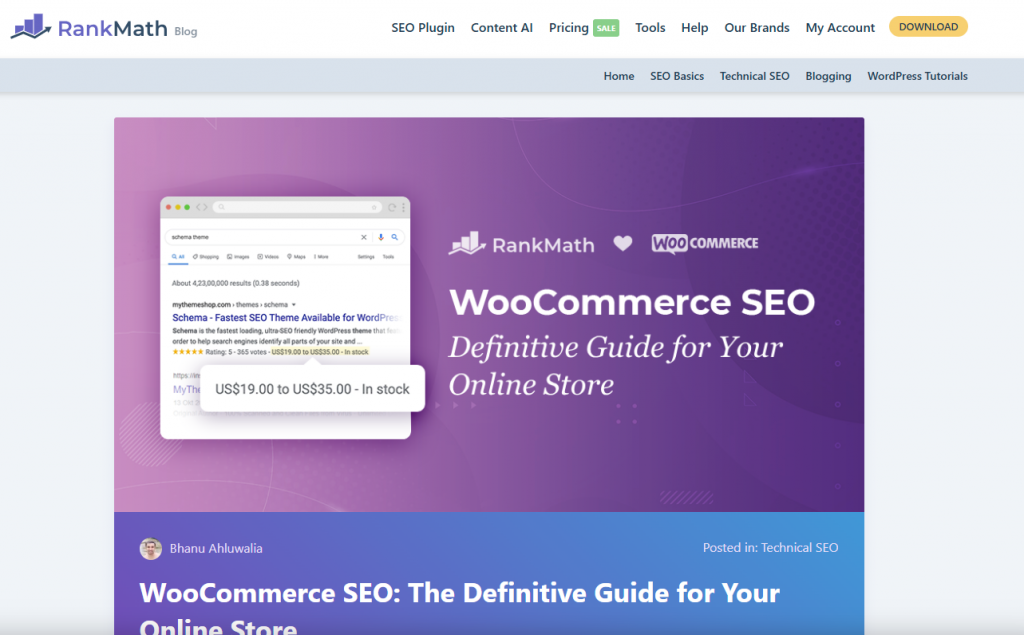
Rank Math is an SEO plugin specifically designed to help WooCommerce stores rank better in search results. Unlike generic SEO plugins, it includes features built exclusively for e-commerce optimization. The plugin automatically generates schema markup for your products, telling search engines exactly what they’re looking at, including product names, prices, availability, and customer reviews.
The WooCommerce module handles product categories, collections, and individual item pages with specialized tools that understand e-commerce requirements. What makes Rank Math particularly attractive is that its free version includes features that other plugins charge premium prices for, including multiple keyword optimization, schema markup support, and Google Search Console integration.
The redirection manager automatically fixes broken links when you reorganize categories or discontinue products, preserving your link equity. Content readability checks ensure your product descriptions engage shoppers instead of confusing them with technical jargon.
Rank Math SEO Features
- Automated schema markup for products and reviews.
- WooCommerce-specific optimization module.
- Multiple keyword tracking per page.
- Internal linking suggestions.
- Google Search Console integration.
- Automatic redirection manager.
- Content readability analysis.
Pros
- Generous free version with powerful features.
- Easy to use with intuitive interface.
- Specifically optimized for WooCommerce stores.
Cons
- Can be overwhelming for complete beginners.
- Some advanced features require Pro version.
5. Outfy – Social Media Automation for Consistent Product Promotion
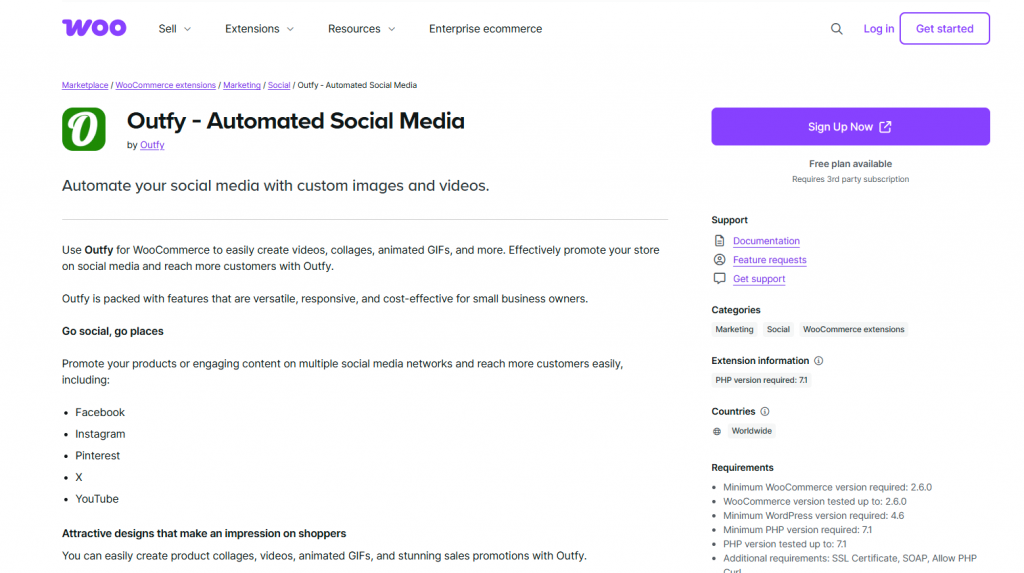
Outfy connects directly with your WooCommerce store to automate product sharing across multiple social media platforms, including Facebook, Instagram, Pinterest, Twitter, and TikTok. Instead of spending hours manually creating and posting content, this plugin handles everything automatically.
The SmartQ scheduling feature lets you set up automated posting schedules that run independently, keeping your products visible even when you’re focused on other aspects of your business. The AI content generator creates captions and promotional messages automatically, and the design templates give you pre-built options for posts, stories, and videos.
The Hashtag Cloud feature saves and reuses custom hashtags that drive the most engagement. You can test different hashtag combinations and then automate the use of your best performers across future posts. For solo entrepreneurs and small teams, this automation maintains consistent social media presence without requiring constant attention.
Outfy Features
- Direct WooCommerce integration for automatic product sync.
- Automated posting to Facebook, Instagram, Pinterest, Twitter, and TikTok.
- AI-generated captions and promotional content.
- SmartQ scheduling for consistent posting.
- Product and design templates for quick content creation.
- Hashtag management and optimization.
Pros
- Saves hours of manual social media work.
- Maintains consistent brand visibility automatically.
- Easy to set up and use.
Cons
- Free plan has limited posting capabilities.
- Customization options can be restrictive.
6. OptinMonster – Lead Generation Through Strategic Popup Campaigns
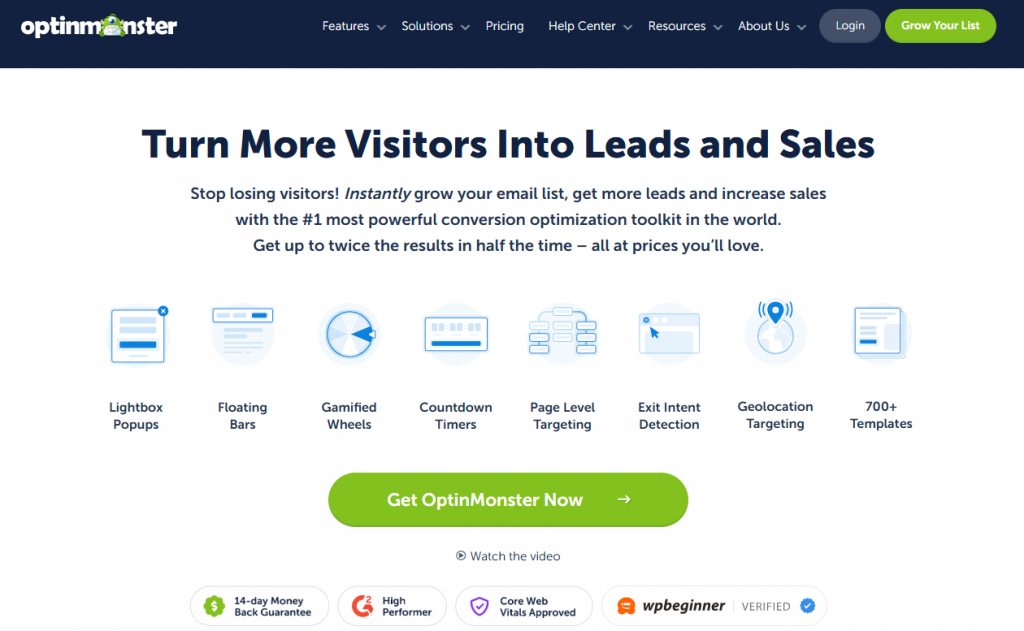
OptinMonster specializes in creating high-converting popups, floating bars, and slide-ins that capture email addresses and encourage conversions without annoying your visitors. The plugin’s advanced targeting rules let you show personalized offers based on user behavior, traffic sources, device types, and browsing patterns.
The exit-intent technology is particularly powerful. It detects when users are about to leave your site and triggers targeted messages at that exact moment. This precise timing works exceptionally well for recovering potentially lost sales and building your email list.
You can create multiple campaign types including lightbox popups, floating bars, inline forms, slide-in scroll boxes, and gamified coupon wheels. The A/B testing capabilities let you experiment with different designs and offers to discover what resonates most with your audience. This data-driven approach consistently outperforms guessing about what works.
OptinMonster Features
- Exit-intent technology to capture abandoning visitors.
- Advanced targeting rules for personalized campaigns.
- Multiple campaign types (popups, floating bars, inline forms).
- A/B testing for optimization.
- WooCommerce integration for cart abandonment recovery.
- Gamified coupon wheels for engagement.
- Mobile-specific campaigns.
Pros
- Highly effective at building email lists.
- Powerful targeting and personalization options.
- Excellent for reducing cart abandonment.
Cons
- Can be expensive for small stores.
- Learning curve for advanced features.
7. MonsterInsights – Connect WooCommerce with Google Analytics
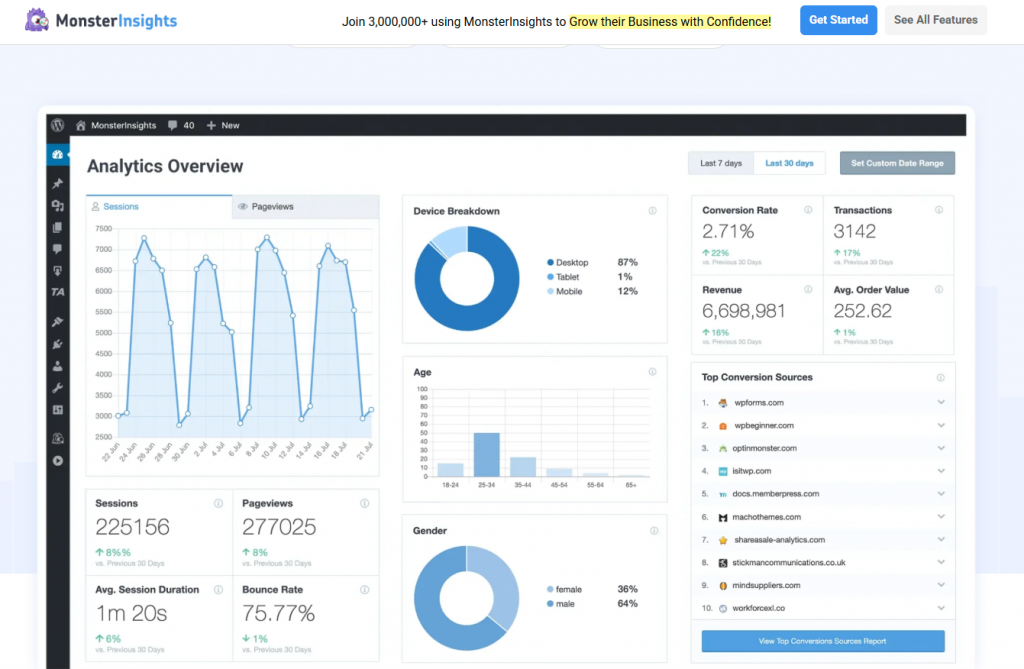
MonsterInsights bridges the gap between your WooCommerce store and Google Analytics, providing deep insights into customer behavior without requiring technical knowledge. The plugin handles all the complex tracking code implementation automatically, so you can focus on understanding the data instead of setting it up.
Enhanced e-commerce tracking reveals the complete customer journey. You can see which channels drive traffic, which products customers view, where they abandon the purchase process, and what eventually convinces them to buy. This visibility helps identify opportunities and problems that remain hidden in basic statistics.
Product performance metrics show which items drive revenue versus which products sit unsold. You can analyze average order values by category, identify cross-sell opportunities from purchase patterns, and spot emerging trends before they become obvious. The shopping behavior analysis pinpoints friction points in your sales funnel that need attention.
MonsterInsights Features
- Automatic Google Analytics setup for WooCommerce.
- Enhanced e-commerce tracking for complete customer journey visibility.
- Product performance reporting and analysis.
- Shopping behavior flow visualization.
- Real-time stats dashboard in WordPress.
- Form tracking and event monitoring.
- Custom dimension tracking.
Pros
- No technical knowledge required for setup.
- Comprehensive e-commerce tracking out of the box.
- Clear, actionable reports in WordPress dashboard.
Cons
- Best features require premium version.
- Can slow down admin dashboard if not optimized.
8. Advanced Coupons – Sophisticated Discount and Promotion Management
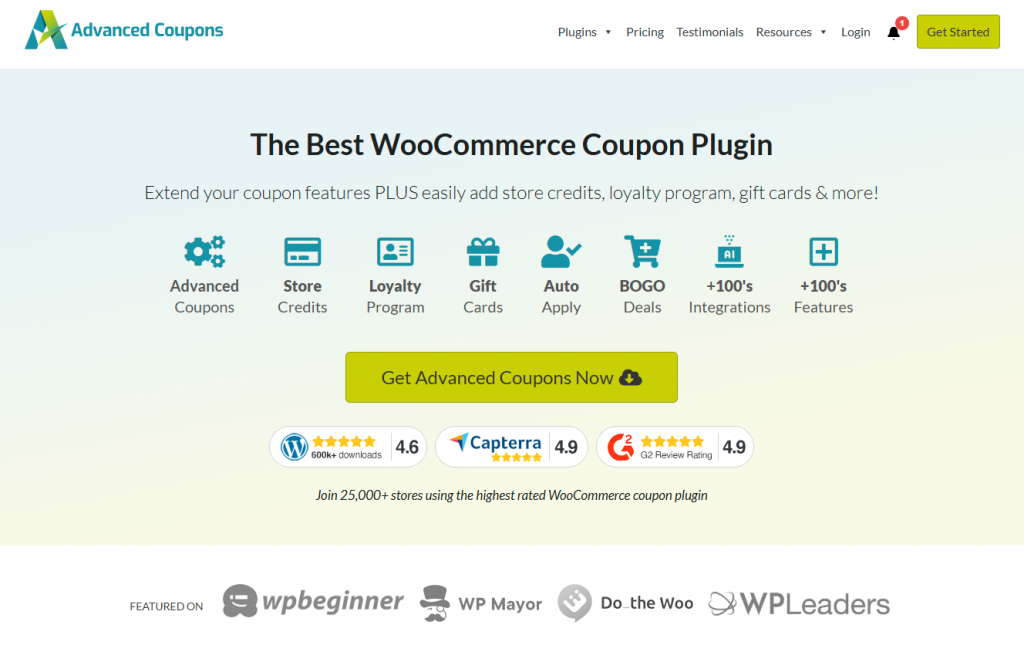
Advanced Coupons enhances WooCommerce’s basic coupon system with sophisticated promotional features that help increase sales without killing your margins. The plugin gives you precise control over discounts, BOGO deals, and loyalty rewards while maintaining profitability.
You can create Buy One Get One deals, free gift coupons, and scheduled promotions that start and end automatically without manual intervention. Set sophisticated usage limits and prioritize coupon rules when customers qualify for multiple discounts. Show or hide coupons based on customer roles, cart conditions, or shipping zones to target offers precisely.
Auto-apply coupons eliminate friction from the redemption process by automatically applying relevant discounts at checkout. Shareable URL coupons spread virally as customers share deals with friends. Integration with loyalty points and gift card systems creates comprehensive retention programs that keep customers coming back.
Advanced Coupons Features
- BOGO (Buy One Get One) deals and free gift coupons.
- Scheduled coupons with automatic start and end dates.
- Sophisticated usage limits and rule prioritization.
- Role-based and condition-based coupon visibility.
- Auto-apply coupons at checkout.
- Shareable URL coupons for viral marketing.
- Integration with loyalty points and gift cards.
Pros
- Powerful promotional capabilities beyond basic coupons.
- Great for increasing average order values.
- Easy to clone successful campaigns.
Cons
- Premium pricing for full feature access.
- Can be complex for simple discount needs.
9. FunnelKit – Optimize Checkout for Maximum Revenue
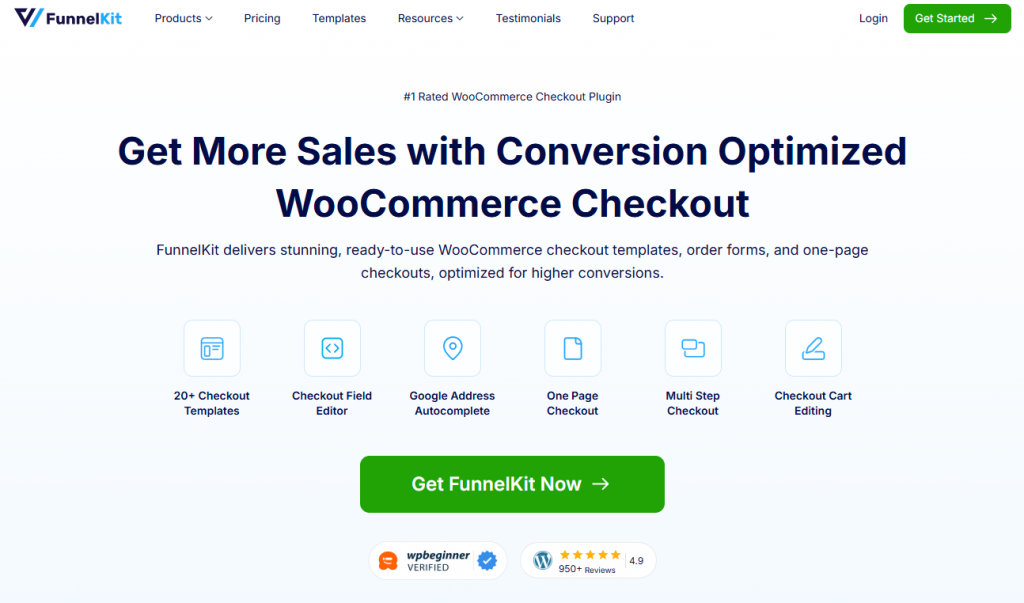
FunnelKit rebuilds the WooCommerce checkout experience from the ground up with a focus on reducing friction and increasing order values. The plugin lets you create optimized checkout pages that eliminate distractions and boost conversions through strategic design and smart upselling.
Rule-based order bumps offer relevant complementary products right on the checkout page with one-click acceptance. This is significantly easier for customers than going back to add items to their cart separately. One-click upsells and downsells appear after the initial transaction is complete, allowing customers to add complementary products with a single click since their payment information is already captured.
The cart abandonment tracking and automated recovery emails bring back shoppers who left without completing their purchases. The visual drag-and-drop funnel builder works seamlessly with popular page builders like Elementor, and an extensive library of conversion-focused templates accelerates implementation without requiring design skills.
FunnelKit Features
- Custom optimized checkout page builder.
- Rule-based order bumps for one-click additions.
- Post-purchase one-click upsells and downsells.
- Cart abandonment tracking and recovery emails.
- Integration with WooCommerce Subscriptions.
- Visual funnel builder with drag-and-drop interface.
- Conversion-focused page templates.
Pros
- Significantly increases average order value.
- Easy to build and test different funnel variations.
- Strong focus on conversion optimization.
Cons
- Requires time to set up effective funnels.
- Annual pricing can add up for growing stores.
10. Yoast SEO for WooCommerce – Trusted SEO Foundation
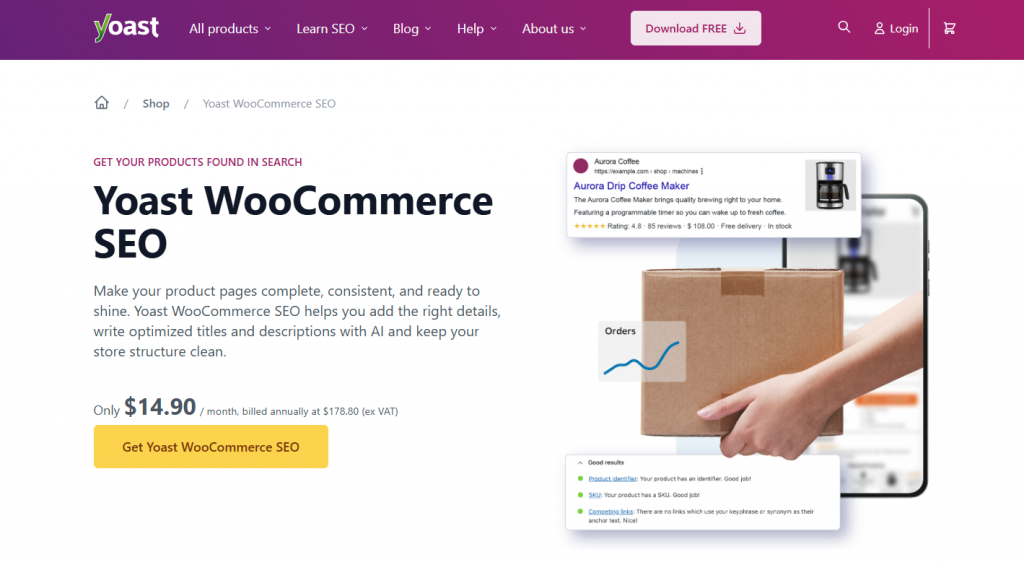
Yoast SEO has been helping millions of websites rank better for over a decade, and its WooCommerce extension provides reliable SEO guidance specifically for e-commerce content. The real-time content analysis evaluates your product descriptions, category pages, and blog posts as you write them, offering suggestions for readability, keyword usage, and structural elements.
The breadcrumb implementation helps both users and search engines understand your site structure clearly. These navigation paths reduce confusion for visitors while distributing link equity throughout your site architecture. XML sitemap generation happens automatically, ensuring search engines discover new products quickly.
Schema markup for products, reviews, and local businesses enhances how your listings appear in search results. Rich snippets displaying star ratings, pricing, and availability make your listings more compelling, improving click-through rates even before ranking improvements materialize.
Yoast SEO Features
- Real-time content analysis for products and pages.
- Automated breadcrumb implementation.
- XML sitemap generation with automatic updates.
- Schema markup for products and reviews.
- Readability checks for better content.
- Social media preview optimization.
- Internal linking suggestions.
Pros
- Long-established, trusted SEO solution.
- User-friendly interface for all skill levels.
- Regular updates and excellent support.
Cons
- Some features overlap with other SEO plugins.
- Premium version required for full WooCommerce integration.
11. WooCommerce Subscriptions – Build Recurring Revenue Streams
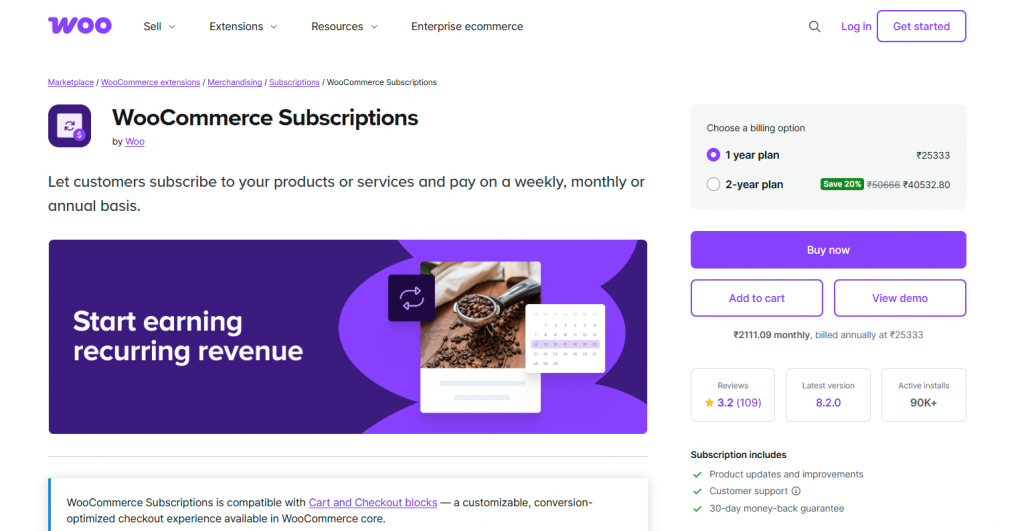
WooCommerce Subscriptions transforms your store from relying solely on one-time purchases to building predictable recurring revenue. The plugin allows you to offer subscription-based products or services with automatic recurring payments, perfect for memberships, digital content, and regular product deliveries.
You can support flexible billing schedules including weekly, monthly, quarterly, or annual renewals. Free trials and sign-up fees let you experiment with different acquisition strategies. Customers can easily upgrade, downgrade, or manage their subscriptions, which reduces cancellations by giving them control instead of forcing them to cancel entirely.
Automatic renewal notifications keep customers informed about upcoming charges, reducing surprise billing complaints. The plugin integrates seamlessly with major payment gateways to ensure reliable processing of recurring transactions. For businesses wanting predictable revenue and higher customer lifetime values, subscriptions fundamentally transform your store’s economics.
WooCommerce Subscriptions Features
- Flexible billing schedules (weekly, monthly, quarterly, annual).
- Free trials and sign-up fees.
- Customer-managed upgrades and downgrades.
- Automatic renewal notifications.
- Integration with major payment gateways.
- Subscription reports and analytics.
- Failed payment retry system.
Pros
- Creates predictable recurring revenue.
- Increases customer lifetime value significantly.
- Flexible subscription management options.
Cons
- Relatively expensive for small stores.
- Requires careful setup for optimal performance.
12. SeedProd – Build High-Converting Pages Without Coding
SeedProd is a drag-and-drop page builder designed to create professional landing pages, product pages, and sales funnels for WooCommerce without any coding knowledge. The plugin comes with ready-made templates and custom WooCommerce blocks that let you build high-converting pages in minutes instead of hours.
All pages are mobile-friendly and SEO optimized by default, ensuring they perform well across devices and in search engines. This dual optimization matters because mobile traffic often exceeds desktop for e-commerce stores. The theme builder functionality extends beyond individual pages, letting you customize your entire store’s appearance without touching code.
Coming soon and maintenance mode templates keep your store looking professional during updates or launches. Instead of showing broken pages or generic WordPress errors, visitors see polished holding pages that maintain your brand image.
SeedProd Features
- Drag-and-drop page builder with no coding required.
- Ready-made templates for landing pages and sales funnels.
- Custom WooCommerce blocks for product pages.
- Mobile-responsive designs by default.
- Theme builder for entire site customization.
- Coming soon and maintenance mode pages.
- Integration with email marketing tools.
Pros
- Very easy to use for non-technical users.
- Fast page creation with templates.
- No developer costs for custom designs.
Cons
- Advanced customization can be limited.
- Premium features require paid plans.
13. Jetpack – All-in-One Security and Performance Solution
Jetpack handles the critical but unglamorous tasks that keep your WooCommerce store running smoothly and securely. The plugin provides real-time backups of your product data, customer information, and order history. If disaster strikes through hacking, server failure, or accidental deletion, you can restore your entire store to its previous state within minutes.
Brute force attack protection automatically blocks malicious login attempts before hackers can cause damage. Downtime monitoring alerts you immediately when your site becomes inaccessible, so you can respond quickly instead of learning about outages from frustrated customers hours later.
Image optimization happens automatically as you upload product photos. Jetpack compresses images without noticeable quality loss, dramatically speeding up page loads. Since product pages often contain multiple high-resolution images, this optimization significantly impacts overall performance.
Jetpack Features
- Real-time automated backups with one-click restore.
- Brute force attack protection and login security.
- Downtime monitoring with instant alerts.
- Automatic image optimization and CDN.
- Spam protection for comments and forms.
- Site speed and performance tools.
- Activity log for tracking changes.
Pros
- Comprehensive security and performance in one plugin.
- Trusted solution from WordPress.com team.
- Free version provides solid baseline protection.
Cons
- Some features require premium subscription.
- Can add bulk if you only need specific features.
14. WooCommerce Product Search – Make Finding Products Effortless
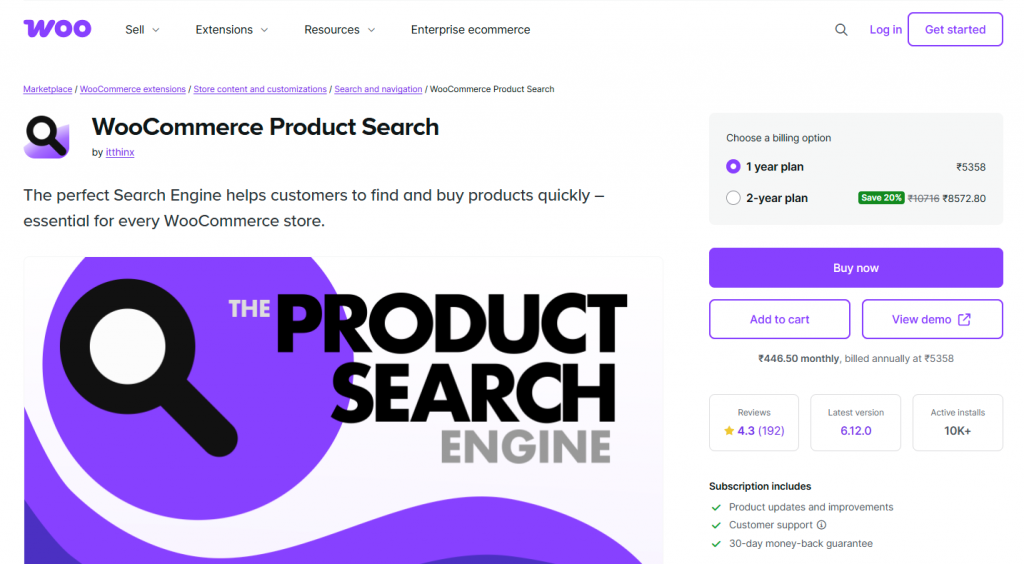
WooCommerce Product Search dramatically improves the default search functionality with advanced live search features that enhance customer experience and boost conversions. Instant live search results display with product thumbnails, prices, descriptions, and “Add to Cart” buttons appearing as customers type.
The plugin searches by product title, SKU, categories, tags, attributes, and custom fields, ensuring customers find products regardless of how they describe what they want. Typo tolerance and spelling correction accommodate common misspellings without returning frustrating zero results.
Analytics for popular search terms and conversion tracking reveal what customers want versus what they actually buy. This intelligence informs inventory decisions, highlighting popular products worth stocking more heavily and revealing search terms that indicate gaps in your product catalog.
WooCommerce Product Search Features
- Instant live search with product thumbnails and prices.
- Search by title, SKU, categories, tags, and attributes.
- Typo tolerance and spelling correction.
- Customizable search form layouts.
- Real-time product indexing with auto-sync.
- Search analytics and conversion tracking.
- Mobile-optimized search interface.
Pros
- Dramatically improves product discovery.
- Great insights from search analytics.
- Works seamlessly with large product catalogs.
Cons
- Annual licensing fee required.
- Setup may require some technical adjustment.
15. Omnisend – Email and SMS Marketing Automation
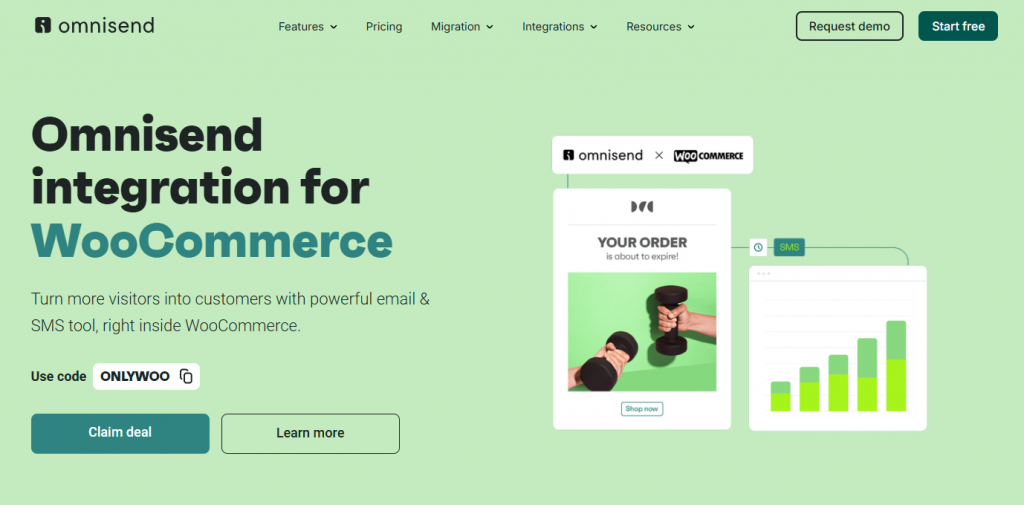
Omnisend transforms your WooCommerce store into a sophisticated marketing operation with minimal setup effort. The one-click setup instantly connects your store data, pulling customer information, purchase history, browsing behavior, and product catalog into the marketing platform for genuinely personalized campaigns.
Automation workflows handle time-consuming repetitive tasks. Cart abandonment sequences automatically email shoppers who leave items behind, including specific products they considered with personalized messages and strategic discounts. SMS marketing integration extends your reach beyond crowded inboxes with time-sensitive promotions and shipping alerts.
Product recommendation engines analyze purchase patterns to suggest relevant items. When customers buy running shoes, follow-up campaigns can feature socks, shorts, or fitness trackers. These targeted recommendations feel helpful rather than pushy because they’re based on actual purchase behavior.
Omnisend Features
- One-click WooCommerce integration for full data sync.
- Email and SMS marketing from one platform.
- Pre-built automation workflows for cart abandonment.
- Product recommendation engine based on purchase data.
- Segmentation based on behavior and purchase history.
- Campaign performance analytics and reporting.
- Drag-and-drop email builder.
Pros
- Powerful automation saves significant time.
- Omnichannel approach (email + SMS) improves reach.
- Strong focus on e-commerce specific features.
Cons
- Free plan limited to 250 contacts.
- Pricing increases with list size.
Choosing the Right Plugins for Your Specific Store Needs
Selecting the right mix of plugins allows you to build a powerful store without unnecessary complexity. Focus on tools that align with your current goals and add value to your business immediately.
1. Establish Core Foundations: Start with the essentials that keep your business running smoothly. Secure payments via WooPayments, improved visibility with Rank Math, and superior support are vital. YourGPT is a complete AI suite that help business in customer support, sales and business operations. Implementing it early ensures you manage customer interactions effectively from day one.
2. Maximize Revenue Opportunities: Turn potential lost sales into profit. Cart abandonment is a major area for improvement. Tools like YourGPT and Omnisend help you re-engage shoppers naturally. As one of the best Customer Service AI tool, YourGPT can answer product questions instantly, giving customers the confidence to complete their purchase right then and there.
3. Optimize for Expansion: Once your operations are stable, focus on increasing order value. Tools like FunnelKit and Advanced Coupons help you upsell and retain customers, moving your business from stability to rapid growth.
4. Implement with Precision: Install plugins individually to measure their impact clearly. This focused approach ensures every tool you add contributes directly to better customer experiences and higher efficiency.
5. Prioritize Performance: Maintain a fast and responsive site. Regular performance checks ensure your store remains quick and user-friendly as you add new capabilities.
The best strategy is to have a cohesive set of tools working together. By solving specific challenges with the right technology, you create a seamless shopping experience that turns visitors into loyal customers.
Conclusion
Building a profitable ecommerce business means selecting the right tools to accelerate growth and streamline operations.
The fifteen plugins in this guide provide the foundation for seamless payments, better visibility, and superior customer experiences. To see the best results, prioritize the solutions that deliver immediate value to your store and revenue.
For instance, YourGPT is a complete AI suite that help business in customer support, sales and business operations, allowing you to engage shoppers and capture revenue automatically. By focusing on tools that enhance efficiency and drive measurable results, you create a scalable business prepared for long-term success.
A successful store is not one with the most plugins. It is one that runs efficiently and serves customers well. Choose the tools that improve your productivity, operational efficiency, overall growth of your store.
Leave a Reply