ChatGPT remains one of the most widely used AI tool, but it is not the best choice for every job anymore. In 2026, many AI platforms outperform ChatGPT in specific areas such as research, real-time information, business automation, coding, and customer support.
Some alternatives put a lot of emphasis on accuracy and citations, while others work well with work tools and some are made to work with company data instead of public knowledge. The result is a growing number of specialized AI tools that are meant to be used in the real world.
This guide compares the 10 best ChatGPT alternatives in 2026, explaining what each tool does better than ChatGPT and who it is best suited for. If you are choosing an AI tool for work, research, or business use, this comparison will help you decide faster.
Quick Answer: What Are the Best ChatGPT Alternatives in 2026?
The best ChatGPT alternative depends on what you need it for.
- Claude is best for long conversations, writing, and advanced coding.
- Perplexity AI is best for research using real-time data with clear citations.
- Google Gemini works well for multimodal tasks and Google Workspace integration.
- YourGPT AI is designed for businesses that require custom AI agents trained on proprietary data for customer support, sales, and operational workflows.
- Wix ADI is best for building websites quickly without technical skills.
ChatGPT remains useful for general tasks, but these tools perform better when accuracy, integration, or business-specific workflows matter.
Summary: An AI alternative to ChatGPT is a tool designed to perform specific tasks such as research, writing, coding, support or business automation more effectively than a general-purpose chat model.
The Best ChatGPT Alternatives
The market for AI tools has expanded rapidly, and many ChatGPT alternatives now serve specific needs such as writing, coding, research, or workflow automation. Here is an overview of the top options.
- Claude for Human-like AI for long conversations, writing, and expert coding.
- Google Gemini for Google ecosystem integrations, Nano Banana & video generation.
- Perplexity AI for Real-time generative search with trusted citations.
- Microsoft Copilot AI productivity assistant inside Microsoft 365 apps.
- Grok AI for real-time insights and updates
- Meta AI for Social media AI for WhatsApp, Instagram, and Messenger.
- DeepSeek for research and knowledge discovery
- Pi for personal emotional support chats
- YourGPT AI for creating custom AI agents for customer support and sales on business data.
- Wix ADI for AI website building for entrepreneurs and small businesses
Factors to Consider in a Alternative to ChatGPT
When searching for a ChatGPT alternative, look beyond marketing claims to find tools that work naturally. When choosing a alternative, these points matter most:
When choosing a ChatGPT alternative, the goal is not to replace ChatGPT entirely, but to find a tool that performs better for your most important tasks.
- Beats ChatGPT at vertical: The alternative should do at least one thing better than ChatGPT, whether that’s writing code, explaining concepts, or creating content.
- Simple to use: You should be able to sign up and start chatting right away without needing tech skills or complex setup steps.
- Available now: Choose tools you can access immediately without joining waitlists or requesting access to closed betas.
- Works when you need it: The best alternatives don’t crash, throw errors, or slow down during busy times.
- Gets better regularly: Good alternatives improve quickly but maintain stability so you don’t constantly need to relearn how to use them.
In short, the right ChatGPT alternative is the one that fits your specific needs and excels at the tasks you use most often.
Limitations of ChatGPT
Understanding ChatGPT’s limitations makes it easier to see where alternatives provide value.
| Limitation | Details | Impact on Users |
|---|---|---|
| Outdated Knowledge | Can only access up to its training cutoff web search helps but is still limited | You may get incomplete or outdated answers about recent events |
| Makes Up Facts | Sometimes produces confident but wrong information | You need to double check important facts from other sources |
| Struggles with Hard Problems | Has trouble with complex logic and multi step tasks | You cannot rely on it for difficult problems that need deep thinking |
| Forgets Earlier Conversation | Cannot remember details from the start of long chats | You must repeat information in longer conversations |
| Privacy Issues | May store conversations for training unless opted out | Your sensitive information might not stay private |
When choosing an alternative, think about which of these problems affect you most, and pick a solution that handles those issues better.
10 Best ChatGPT Alternatives We Tested in 2026 [Free + Paid]
This article compares the 10 best ChatGPT alternatives in 2026 based on public capabilities, documented features, and real-world use cases.
1. Claude
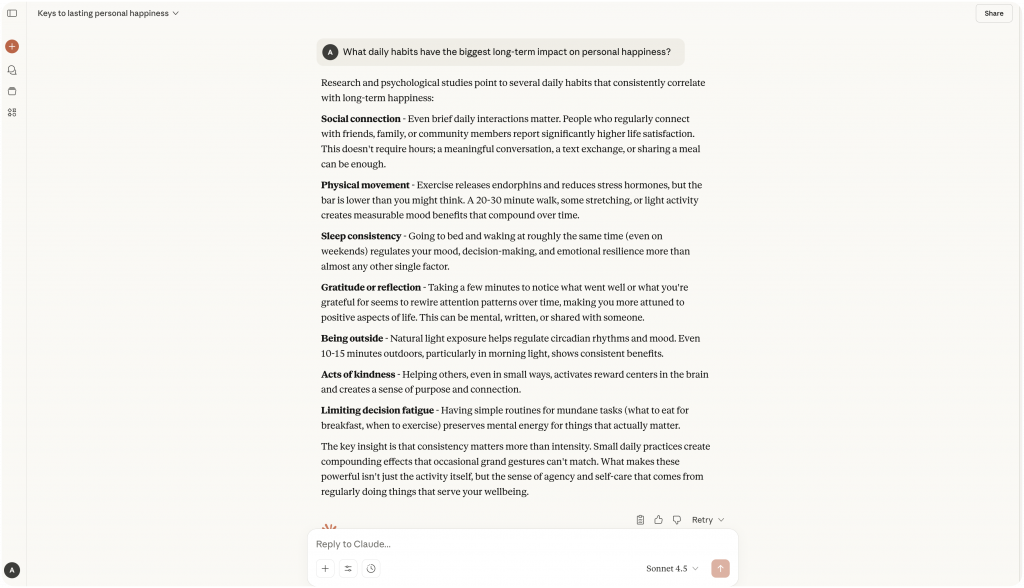
Claude, developed by Anthropic, is built for users who need reliability beyond casual conversations and the flexibility to connect Claude with their existing tools and workflows. It focuses on ethical AI practices, fairness, and privacy, making it suitable for sensitive industries such as healthcare, finance, law, and education.
Claude excels at handling extended conversations and large documents with up to 200,000 tokens. This makes it useful for long reports, contracts, research studies, or business plans where maintaining context is essential.
Alongside its document handling, Claude is strong in coding support and writing tasks. It writes clearly and naturally, making it effective for drafting, editing, and refining professional or creative work. It can also help developers with structured, logical coding assistance.
Claude’s training reduces bias and errors, helping professionals trust it with projects where accuracy and responsibility matter.
Strengths
- Coding assistance – Helps with structured, logical coding tasks.
- Natural writing – Produces clear, human-like content for reports, documents, and creative work.
- Long-form content handling – Manages large volumes of text while keeping focus and structure.
- Ethical and fair responses – Designed to minimise bias and maintain safe communication.
- Strong context retention – Tracks details across lengthy conversations and projects.
Best For
- Developers needing reliable AI support for coding tasks.
- Professionals drafting reports, contracts, or multi-stage projects.
- Industries handling sensitive information such as healthcare, finance, law, and education.
- Researchers and academic writers working with extensive content.
2. Google Gemini
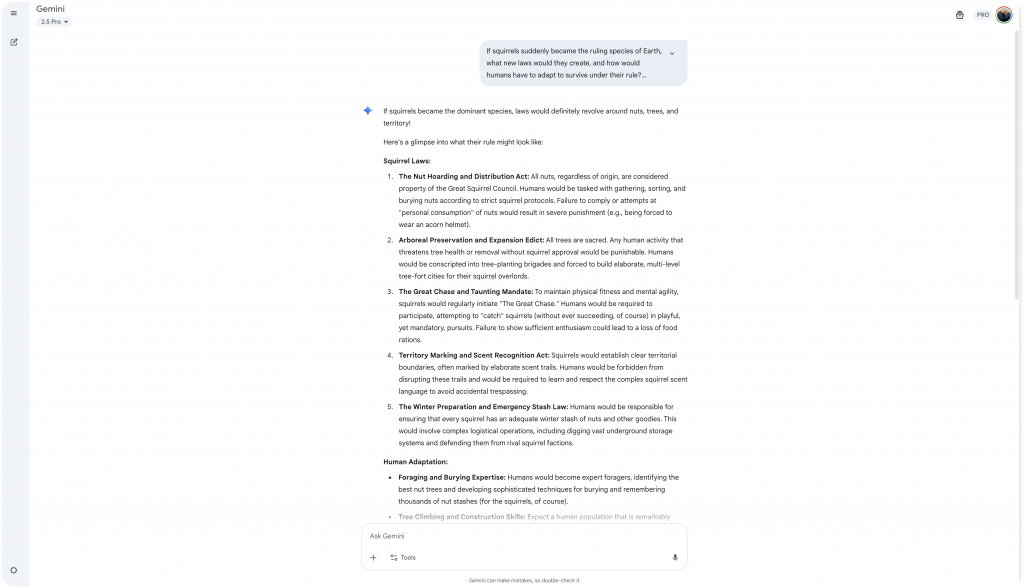
Gemini is designed to integrate directly with everyday Google Workspace tools such as Docs, Sheets, Slides, Gmail, and Drive. It helps teams write, organise, and collaborate more efficiently without disrupting their existing workflow.
Its key strength is real-time access to Google Search, web results, and YouTube. This allows users to bring in current information while working, making Gemini highly effective for research, content creation, market analysis, and report building. The live connection ensures accuracy and relevance at every step.
Gemini also supports multimodal inputs — text, images, and video. Whether drafting a blog post, selecting visuals, or summarising a video for presentations, it processes content quickly and effectively.
Strengths:
- Works Directly Inside Google Workspace: Gemini helps in Docs, Sheets, Slides, Gmail, and Drive.
- Access to Real-Time Data: Pulls fresh information from the web and YouTube to support research, planning, and creative tasks.
- Image & video generation: Creates High quality visuals with nano banana or produce professional-quality video content.
Best for :
- Businesses and teams already using Google Workspace who want to improve speed and collaboration.
- Marketing, research, and creative teams that rely on live data for content and planning.
- Project managers and content creators needing fast, accurate support across multiple types of media.
3. Perplexity AI
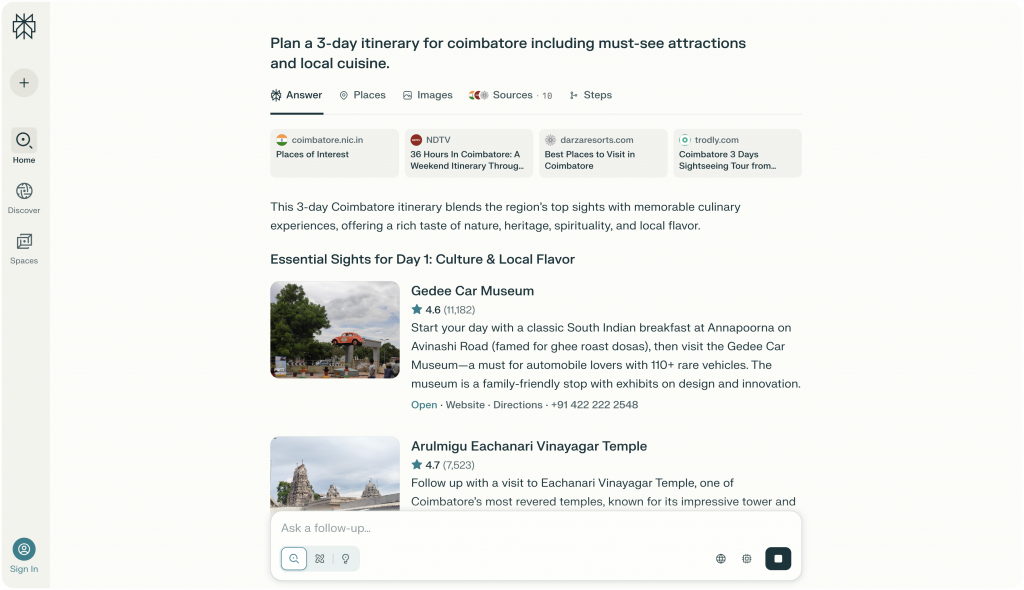
Perplexity is built for users who need fast, reliable answers backed by real sources.
Instead of pulling from outdated information, it searches the live web for every question you ask. It then organizes the results into clear, easy-to-read summaries and cites every source directly.
This type of generative AI search saves time by delivering verified answers without endless clicking.
This means you don’t have to spend time checking multiple websites or worrying about where information came from. Whether you’re working on research papers, news articles, business reports, or market studies, Perplexity helps you find verified facts quickly without digging through endless search results.
Because it connects to live web data, Perplexity is always up to date. You can track breaking news, market trends, academic studies, or competitor updates in real time — and trust that the information is current and clearly sourced.
Strengths:
- Live Web Search: Pulls current, relevant information at the moment you ask.
- Transparent Citations: Lists the exact sources it pulls from, so you can verify facts easily.
- Organized Summaries: Structures results into simple, clear insights you can use right away.
- Built for Accuracy: Designed to help researchers, journalists, and businesses find dependable information without delays.
Best for:
- Researchers and students needing fast, credible sources for projects and academic work.
- Journalists and writers looking for accurate data and real-time updates.
- Marketers and business leaders using current trends and competitive insights to plan strategies.
4. Microsoft Copilot
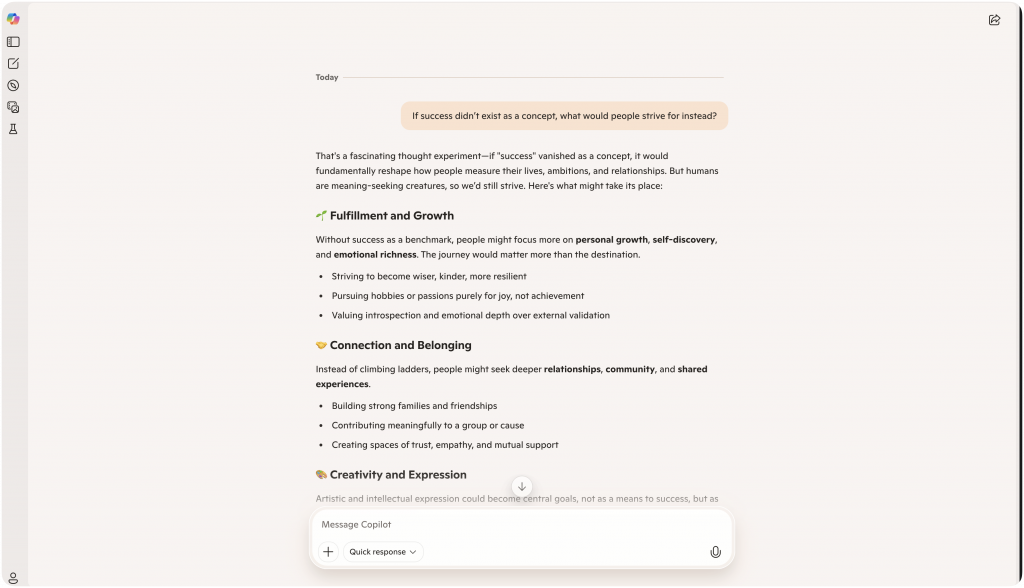
Microsoft Copilot fits directly into Word, Excel, Outlook, and Teams, helping users work faster without changing the tools they already use.
It acts like an extra set of hands, assisting with tasks like drafting documents, analyzing data, managing emails, and summarizing meetings — all without breaking your workflow. It also complements broader automation strategies, such as enhancing the user experience with human escalation, to maintain quality when AI needs backup.
Copilot understands the context of your work. In Word, it can build drafts or suggest edits based on your notes. In Excel, it helps create formulas, find patterns in data, and organize reports. In Outlook, it suggests professional email responses. In Teams, it can summarize meetings and capture action points.
Everything happens inside the apps you already know, making it easier to stay focused and productive.
Security is a major strength. Copilot follows Microsoft’s enterprise-grade security and compliance standards. Your documents, emails, and conversations stay protected, making it a strong choice for businesses that need both productivity and data protection.
Strengths:
- Native Integration with Microsoft 365: Works directly inside Word, Excel, Outlook, and Teams without needing extra apps or add-ons.
- Understands Context: Uses the information in your files and conversations to provide smarter, more accurate support.
- Built-In Security and Compliance: Protects sensitive data with the same standards used across Microsoft’s enterprise tools.
- Boosts Everyday Productivity: Speeds up writing, analysis, communication, and collaboration without disrupting existing workflows.
Best for:
- Teams and enterprises already using Microsoft 365 looking to improve speed, accuracy, and collaboration.
- Professionals managing reports, projects, data, or communication who need reliable AI support inside their daily tools.
- Organizations focused on both productivity and strong data security.
5. Grok AI
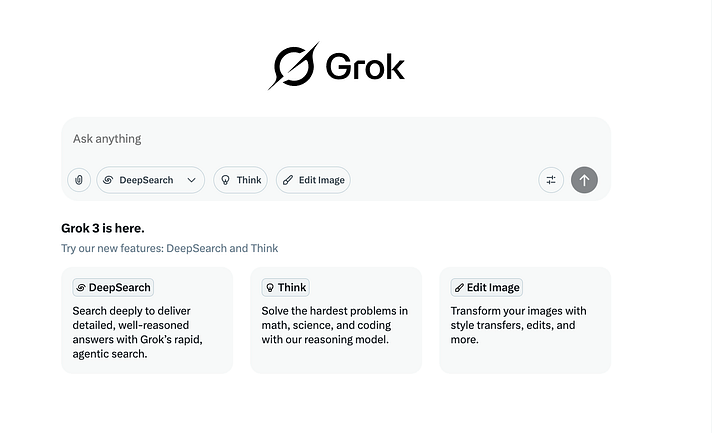
Grok AI is built into X (formerly Twitter), giving users quick access to live conversations, trending topics, and breaking news.
It connects directly to what’s happening right now, helping you stay updated without getting lost in endless scrolling.
Grok’s style is natural and easy to follow. Instead of sounding technical or stiff, it delivers updates with a smart, conversational tone.
This makes it easier to track important discussions, whether you’re following global news, industry trends, or community conversations.
For users who need speed — like social media managers, journalists, or brands — Grok highlights real-time insights without the clutter.
Many of these users also rely on AI-powered chatbots to improve customer satisfaction across platforms by reacting quickly to trends and conversations.
Grok is free to use, making it accessible for individuals, teams, and businesses looking to stay connected to real-time information without extra cost.
Strengths:
- Real-Time Tracking: Follows live discussions, trending stories, and major events as they unfold.
- Natural Communication Style: Shares updates in a human-like tone that is easy to understand and act on.
- Free Access for Everyone: Offers AI-driven insights without any fees or subscriptions.
- Helps Cut Through Noise: Surfaces important information quickly so you can focus on what matters most.
Best for:
- Social media managers who need quick updates to engage with trends.
- Journalists and writers who rely on fast, accurate information for stories.
- Businesses and individuals who want real-time awareness without sorting through crowded feeds.
6. Meta AI
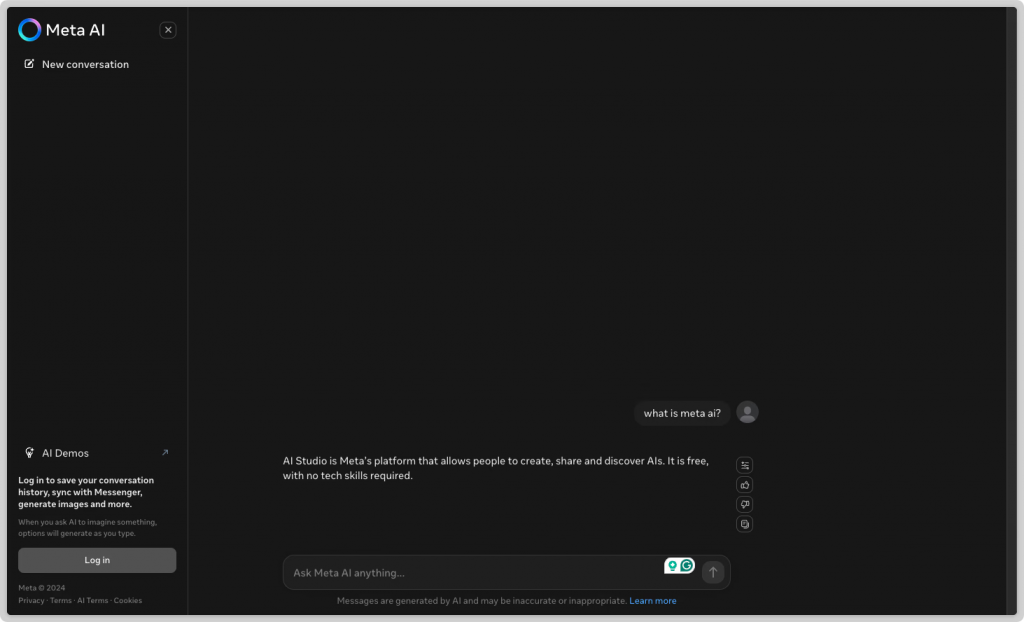
Meta AI is built directly into WhatsApp, Instagram, and Messenger, making it easy to create content, answer questions, and stay connected without leaving your favorite apps.
It brings AI tools into daily conversations, helping individuals and small businesses work faster and more efficiently.
With Meta AI, you can write posts, reply to messages, and even generate images—all inside the apps you already use. Its use of interactive messages to enhance customer experience makes it especially helpful for businesses engaging audiences across platforms.
If you need a caption idea, a quick reply to a customer, or a simple graphic, Meta AI helps you get it done without switching between different platforms.
The setup is simple. You don’t need technical skills to use Meta AI. Its easy-to-understand interface makes it accessible for anyone, whether you’re managing a growing business or building a personal brand.
Meta AI’s flexibility saves time and keeps communication flowing, making it a useful tool for creators, entrepreneurs, and everyday users who want quick support without complexity.
Strengths:
- Works Directly Inside Apps: Available in WhatsApp, Instagram, and Messenger without needing extra software.
- Helps With Text and Images: Supports both written content and visual creation to speed up daily tasks.
- Simple to Use: No technical background required—just open your app and start creating or replying.
- Built for Everyday Productivity: Helps you move faster across messaging, content posting, and customer interactions.
Best for:
- Content creators and influencers who post regularly and need quick creative support.
- Small businesses and entrepreneurs managing customer conversations and marketing through social apps.
- Anyone looking for easy, fast AI help inside the platforms they already use.
7. DeepSeek
DeepSeek is designed for users who need clear, structured reasoning—not just quick answers.
It explains each step it takes, helping you understand the full path to a solution, whether you’re solving math problems, working on coding tasks, or analyzing scientific data.
Instead of giving a final result and moving on, DeepSeek breaks problems down into simple, organized steps.
This makes it easier to follow the logic, check your work, and build a stronger understanding over time. Its structured approach also complements long context window and RAG-based models that support complex, multi-step tasks.
DeepSeek also runs with a lightweight design. It works quickly and efficiently without needing heavy hardware or complicated setups.
This makes it accessible for students, engineers, researchers, and developers who need reliable support for serious work but don’t want to deal with extra system demands.
By focusing on transparency, clear reasoning, and speed, DeepSeek helps users solve problems with more confidence and accuracy.
Strengths:
- Transparent Reasoning: Shows each step clearly so you can follow and verify the solution.
- Strong Logical Skills: Handles complex math, coding, and scientific tasks with organized thinking.
- Efficient Performance: Runs smoothly without heavy infrastructure or extra technical setup.
- Focused on Learning and Accuracy: Supports deeper understanding, not just surface-level answers.
Best for:
- Students and academics working on math, coding, or science projects who need clear, structured help.
- Engineers and developers solving technical problems where logic and accuracy are critical.
- Researchers needing reliable, step-by-step support for analysis and problem-solving.
8. Pi (Inflection AI)
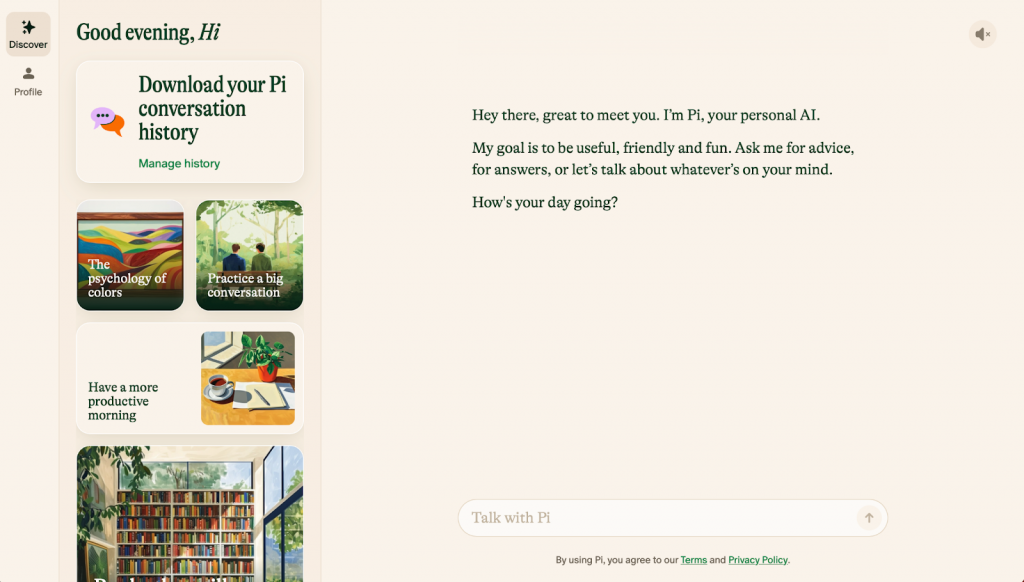
Pi by Inflection AI is designed to offer smart, personal support through natural conversations.
You don’t need any technical skills or setup. You simply start chatting, and Pi responds with advice tailored to your situation, helping you think more clearly and stay organized.
Pi works best when you need to slow down, sort through your thoughts, or make decisions.
It doesn’t overload you with technical details. Instead, it asks helpful questions, offers practical suggestions, and keeps the conversation focused on what you want to achieve.
Its conversational approach reflects the growing importance of automated responses that enhance efficiency across AI-powered tools.
Whether you’re planning a project, weighing a decision, brainstorming new ideas, or managing daily tasks, Pi stays responsive to your needs.
It acts like a steady, supportive partner — one that helps you think better without adding pressure or complexity.
Pi is available anytime you need a second opinion or a fresh perspective, making it a useful tool for busy professionals, students, and anyone who values clear, simple support during their work or learning.
Strengths:
- Instant Start: No setup or learning curve — just open a chat and start the conversation.
- Personalized Support: Tailors advice and feedback based on your unique needs and situation.
- Calm, Natural Interaction: Maintains a human-like, supportive tone throughout.
- Always Available: Ready when you need help thinking through problems, organizing tasks, or making decisions.
Best for:
- Professionals and entrepreneurs who want quick, thoughtful input without technical barriers.
- Students and learners organizing their studies, projects, or daily priorities.
- Anyone needing a calm, easy-to-use AI companion for support with decisions, planning, or brainstorming.
9. YourGPT AI
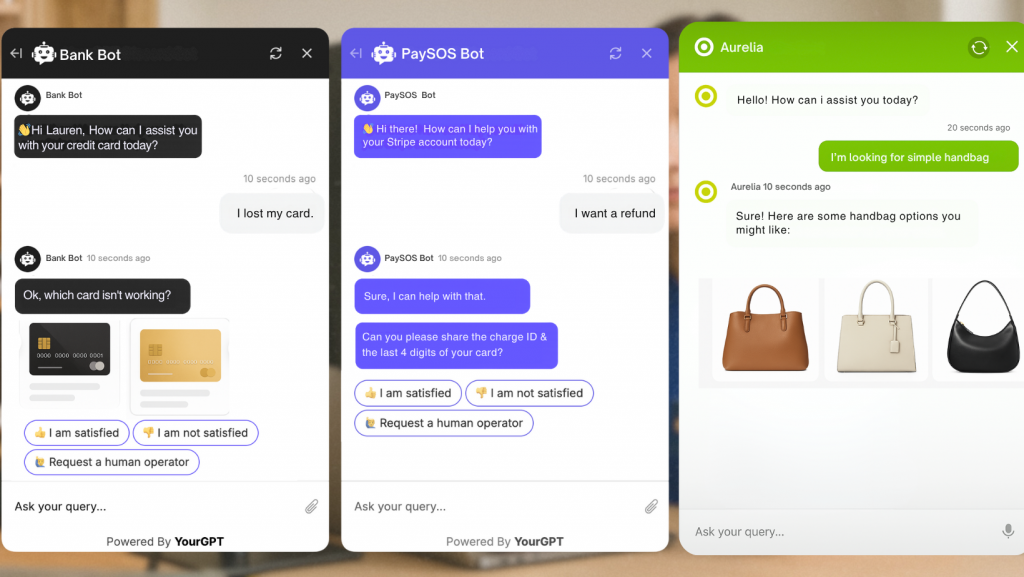
YourGPT is a no-code platform that helps businesses create and configure AI agents for specific use cases. It provides the tools needed to build solutions for customer support, sales, or workflow automation, allowing teams to connect company data, set behaviours, and deploy agent without much technical expertise.
Users can upload or connect FAQs, product manuals, internal documents, and support transcripts. The platform then enables retrieval-augmented responses, helping the AI deliver answers aligned with business standards.
Deployment is possible across websites, mobile apps, and messaging platforms such as WhatsApp, Messenger, and Slack, with API support for deeper integrations into CRMs and business systems. YourGPT stands out as a solution for companies that want AI to function as an extension of their brand rather than just a generic chatbot.
Strengths:
- No-Code Setup: Easily build and manage AI without technical skills.
- Custom Training: Teach your AI using your own company data for better, more relevant responses.
- Multichannel Deployment: Launch AI across websites, apps, and messaging tools without extra complexity.
- Flexible API Access: Connect YourGPT to your internal systems to automate tasks and improve workflows.
Best For:
- Businesses, SaaS companies, and eCommerce brands needing complete customer support, sales, and workflow automation platform that works across multiple channels.
- Internal teams looking for faster, smarter access to company knowledge.
- Product, operations, and support teams who want custom AI solutions without hiring developers.
10. Wix ADI
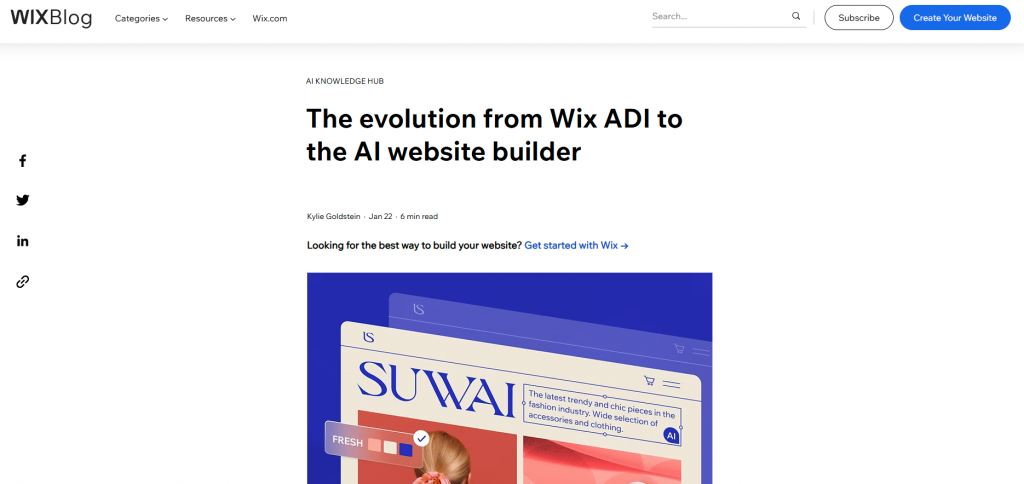
Wix AI Builder helps you build a complete, professional website without needing any technical skills.
You start by answering a few simple questions about your business, your style, and the features you want.
Based on your answers, Wix automatically designs a site for you — handling the layout, structure, and even basic content. The process is quick and simple.
Instead of choosing templates or figuring out design rules, you get a ready-to-use site in minutes.
If you want to make changes after launch, the standard Wix editor lets you adjust layouts, update text, add sections, or customize colors through an easy drag-and-drop system.
Wix AI Builder is a good fit for entrepreneurs, freelancers, and small business owners who want to get online fast without getting stuck in technical details.
It gives you a professional-looking website while keeping full control in your hands for future updates.
Strengths:
- No Coding Skills Needed: Build your site easily by answering a few questions — no technical knowledge required.
- Fast, AI-Driven Setup: Get a complete website ready in minutes based on smart design decisions.
- Simple Post-Launch Edits: Customize text, images, layouts, and features anytime with the easy-to-use Wix editor.
- Designed for Quick Online Launches: Helps you go live faster without sacrificing quality or flexibility.
Best for:
- Entrepreneurs and small businesses needing a fast, affordable way to launch an online presence.
- Freelancers and solo service providers wanting a clean, simple site without technical setup.
- First-time website creators who want an easy, guided path without learning web design.
Best ChatGPT Alternatives Compared [2026]
Choosing the right AI platform depends on your goals. We’ll cover important factors like pricing, model capabilities, integration options, customization, and support to help you make a smarter choice.
| AI Tool | Primary Use | Key Strengths | Best Fit |
|---|---|---|---|
| Claude | Writing and coding support | Long context handling, natural writing, strong coding assistance | Professionals, developers, research-heavy roles |
| Google Gemini | Multimodal productivity | Google Workspace integration, live data, image and video support | Teams working inside Google Docs, Sheets, and Gmail |
| Perplexity AI | Research and fact checking | Real-time web access, clear citations, concise summaries | Researchers, journalists, analysts |
| Microsoft Copilot | Business productivity | Native Microsoft 365 integration, document context, enterprise security | Organisations using Word, Excel, Outlook, and Teams |
| Grok AI | Real-time updates | Live trend tracking, fast responses, free access | Social media teams and news-focused users |
| Meta AI | Social messaging assistance | Built into WhatsApp, Instagram, Messenger, text and image creation | Creators and small businesses on Meta platforms |
| DeepSeek | Structured reasoning | Step-by-step logic, strong math and science reasoning | Students, engineers, technical problem-solvers |
| Pi | Conversational support | Empathetic responses, simple interaction, always available | Individuals and personal productivity use |
| YourGPT AI | Customer support and workflows | No-code setup, trained on business data, multichannel deployment | Businesses running customer support, sales, and operations |
| Wix ADI | Website creation | AI-driven site setup, no-code editing, fast launch | Entrepreneurs and small businesses |
FAQ
What is the best ChatGPT alternative for businesses? ▼
For businesses, the best ChatGPT alternative depends on where your team works and what you need to automate. Microsoft Copilot fits teams using Microsoft 365, while YourGPT is suited for businesses that need custom AI agents trained on company data to support customer support, sales, and operations.
Which ChatGPT alternative is best for research and fact checking? ▼
Perplexity AI is a strong option for research because it pulls real-time information from the web and provides clear citations. It is useful when you need sources you can verify, not just summaries.
Are there free ChatGPT alternatives? ▼
Yes. Some tools offer free tiers for common use cases. Grok is useful for real-time updates and trending topics, while Meta AI can help with messages, captions, and basic image generation inside WhatsApp, Instagram, and Messenger.
Which AI is better for security and compliance? ▼
For sensitive work, look for strong data controls and enterprise-grade security. Claude is often chosen for careful writing and safer responses, while enterprise setups of Microsoft Copilot and business platforms with governance features can fit teams with strict compliance needs.
Which AI is best for building a custom solution? ▼
YourGPT is built for businesses that need custom AI agents on proprietary data. You can connect documents and knowledge bases, set behaviour rules, add guardrails, and deploy across web and messaging channels with API support.
Can any AI tool pull real-time information from the web? ▼
Yes. Tools designed for live research can fetch current information when you need fresh facts. Google Gemini and Perplexity AI are commonly used for tasks that depend on real-time web results and sources.
Which AI tool helps most with coding? ▼
Claude is widely used for coding help and clean explanations, while DeepSeek is useful for step-by-step reasoning on technical problems. The best choice depends on whether you need fast suggestions, deeper reasoning, or help with larger codebases.
How do I choose the right ChatGPT alternative? ▼
Choose based on your main task. For research, start with Perplexity AI. For writing and coding, Claude is a strong option. For Google Workspace, use Gemini. For Microsoft 365, use Copilot. For business agents on proprietary data, evaluate YourGPT.
Should I switch from ChatGPT to another AI? ▼
Switch only if your work needs something ChatGPT does not consistently deliver, such as verified sources, real-time information, deeper integrations, or business-specific automation. Many people keep ChatGPT for general tasks and use an alternative for specialised work.
Conclusion
The best ChatGPT alternatives in 2026 stand out by addressing specific limitations of general-purpose AI tools. Many teams rely on different AI tools depending on the task they want to solve. Claude is commonly used for long-form writing, structured thinking, and coding support. Google Gemini fits teams working inside Google Workspace that need text, image, and video support in one place. For research that depends on current information and source visibility, Perplexity AI is often preferred.
Business teams evaluating AI for customer-facing use cases tend to focus on systems designed for real operations rather than general chat. YourGPT is used by organisations that want AI agents trained on their own data to handle customer support, sales conversations, and internal workflows across multiple channels. For individuals and small businesses that want to publish a website quickly without technical effort, Wix ADI provides a guided approach to site creation.
Most users do not replace ChatGPT entirely. Instead, they combine tools based on specific needs such as writing, research, customer support, automation, or website creation. Choosing an AI tool that aligns with how the work is actually done leads to better accuracy, lower manual effort, and more reliable outcomes over time.
AI for Customer Support Teams, Built on Your Data
Deliver faster customer support, boost sales conversations, and automate workflows that slow your team down. Start using AI assistants built for real business results.
Start Free Trial
Leave a Reply