LiveChat is a customer messaging platform that has helped many teams handle customer questions through basic chat widgets, but the way businesses support customers has changed. People now expect quick answers across more channels, and support teams want tools that cut down on repetitive work instead of adding to it. As a result, many companies feel limited when they try to scale with LiveChat’s pricing, feature set, and ai automation options.
Some teams need AI that can handle routine questions without constant rule building. Others want WhatsApp, Instagram, or voice support without piecing together multiple tools. Many simply want predictable costs as their support workload grows.
This blog covers the ten alternatives that give teams more flexibility. Each one offers a different approach, whether you want stronger automation, a wider set of channels, or a smoother setup for your team. The goal is to help you understand which platform matches your workflow and gives you room to grow without running into the same limits.
If you’re considering a switch, this comparison will make your decision easier.
Why Businesses Are Exploring LiveChat Alternatives
Businesses are exploring alternatives to LiveChat due to practical challenges around automation, pricing transparency, and scalability that impact growing support teams.
LiveChat is a well-established platform built for real-time customer conversations. While it excels at human-led chat, user feedback reveals several pain points driving teams to explore other solutions:
1. Limited AI Capabilities
LiveChat focuses primarily on human agents with basic chatbot capabilities. Teams wanting advanced AI that can resolve complex queries autonomously often find the automation options too basic. Most intelligent workflows require manual setup and constant refinement.
2. Per-Agent Pricing Gets Expensive
LiveChat charges per agent seat, starting at $20/agent/month and increasing with higher tiers. As support teams grow, costs scale linearly. This pricing model penalizes hiring and makes budgeting difficult for fast-growing businesses.
3. Basic Bot Workflow System
LiveChat’s bot builder is limited and relies heavily on manual setup. Even simple flows require step-by-step configuration, and building anything advanced takes more time and technical effort. The system doesn’t adapt, improve, or learn from past conversations, which means teams must continually update responses and maintain rules manually.
4. Limited Channel Coverage
LiveChat covers website chat, email, and Facebook Messenger well. However, expanding to WhatsApp, Instagram, voice support, and other channels often requires additional integrations or third-party tools. This fragments the customer experience and complicates your tech stack.
5. Customization Requires Development
Adapting chat flows to match specific business processes can be restrictive without custom coding. Teams needing tailored automation paths, advanced routing logic, or backend integrations often hit platform limitations quickly.
For organizations facing these challenges, alternative platforms provide smarter AI automation, more predictable pricing structures, and native omnichannel support without added complexity.
These platforms make it easier to implement intelligent automation, scale support efficiently, and control costs as conversation volumes grow.
10 Best LiveChat Alternatives: Complete Comparison(2026)
LiveChat works well for basic real-time conversations, but teams increasingly need AI-powered automation, flexible pricing, and true omnichannel capabilities. We reviewed ten superior alternatives for customer communication in 2026 so you can choose the one that works best for your team.
1. YourGPT

YourGPT is an AI-first platform for building and deploying intelligent AI agents without coding. It helps businesses manage customer support, sales, and operations from a single workspace that connects effortlessly with websites, WhatsApp, Slack, Messenger, Instagram, LINE, email, and voice channels.
Features
- No-Code Builder: Create intelligent AI agents from documents, FAQs, website links, or custom workflows. The visual builder works for both technical and non-technical teams. For advanced use cases, the AI Studio offers deeper flow logic and API-based actions.
- Custom Knowledge Bases: Train agents on your own content so they answer with accurate, context-aware responses that match your brand’s tone and policies.
- AI Copilot Builder: Enables agents to reason, plan, and perform multi-step tasks autonomously on backend and frontend based on conversations.
- Omnichannel Deployment: Deploy once and connect across WhatsApp, Messenger, Instagram, LINE, Slack, Telegram, and websites with a unified experience everywhere.
- Voice Agents: Add AI-powered phone and voice support that understands natural speech and responds instantly.
- AI Helpdesk Integration: Provide AI self-service for common questions with instant handoff to live agents when needed, keeping full conversation context.
- Analytics Dashboard: Monitor resolution rates, CSAT, AI performance, usage trends, and ROI.
- Self-Learning System: Agents improve continuously from interaction data without manual retraining.
Limitations
- Quick Product Iteration: YourGPT is developed by a fast-moving team that releases updates frequently. Some new features may evolve quickly or change based on user feedback.
Best For
- Support Teams: Scaling customer support without increasing headcount
- Sales Teams: Automating lead qualification and follow-up processes
- Operations & IT: Managing internal workflows and task automation
- Agencies: Running multiple client chatbots with flexible control
2. Zendesk
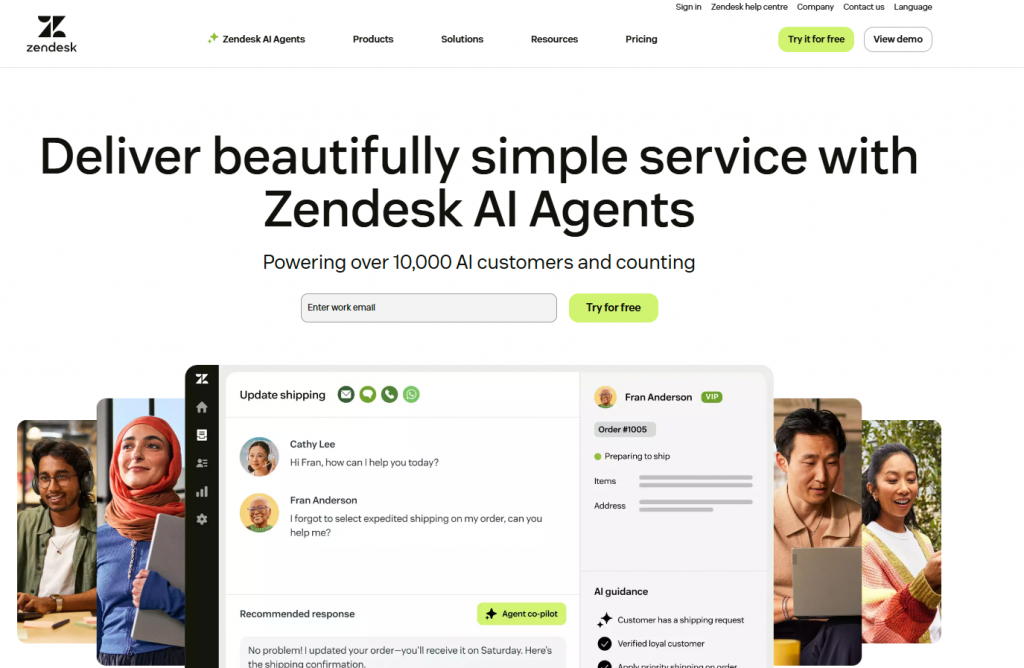
Zendesk is one of the most established platforms for customer support, offering ticketing, live chat, voice, a knowledge base, and workflow automation in one system. It is widely used by larger organizations that need a mature, scalable solution with extensive integration support.
Features
- Omnichannel Workspace: Manage email, chat, social messaging, and voice in a unified dashboard with complete customer profiles.
- Zendesk AI Agents: AI-powered suggestions, automated responses, and routing to speed up support operations.
- 1,800+ Integrations: A large marketplace of apps covering CRMs, analytics tools, marketing systems, and communication channels.
- Reporting & Analytics: Comprehensive dashboards tracking SLAs, agent activity, backlog trends, CSAT, and ticket performance.
- Voice Support: Includes call center capabilities through Zendesk Talk.
- Self-Service Tools: Create help centers, knowledge bases, and community spaces for customer self-service.
- Workflow Automation: Use macros, triggers, and custom routing rules to automate repetitive processes.
- Mobile Apps: iOS and Android apps for managing support on the go.
Limitations
- Pricing rises quickly when AI and automation add-ons are included
- Steeper learning curve for new teams
- AI functionality is less advanced compared to newer AI-native platforms
- Per-agent pricing becomes costly as support teams scale
Best For
- Established businesses with larger support teams
- Organizations that rely on structured, multi-step workflows
- Companies that require deep customization across tools and processes
- Teams needing integrations across multiple channels and systems
3. Intercom
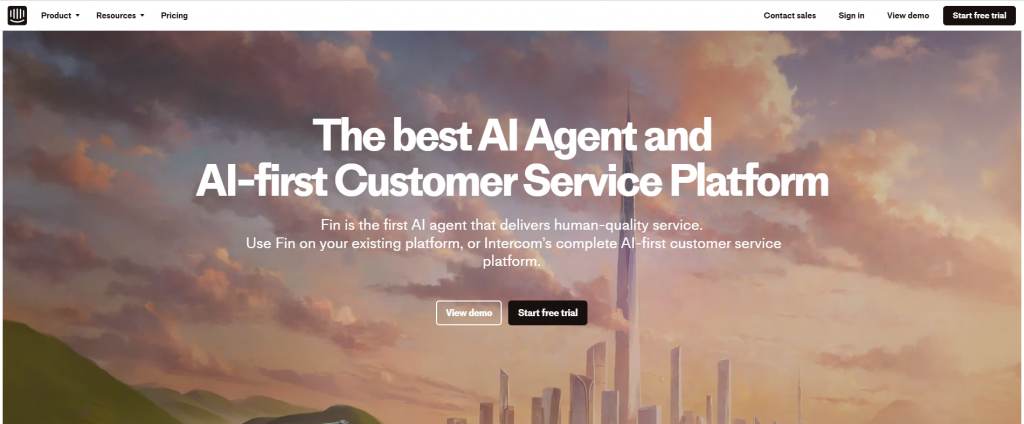
Intercom is a conversational platform centered around real-time messaging and in-app engagement. It is built for product-led SaaS companies that want to communicate directly inside their product while automating parts of the support workflow. Intercom combines live chat, behavioral targeting, and product tours in one system, with AI powering automated responses.
Features
- AI Agent: AI-powered automated responses that handle common queries inside chat.
- In-App Messaging & Live Chat: Real-time conversations directly within your website or product.
- Customer Journey Tracking: Segmentation, behavioral insights, and lifecycle tracking to personalize engagement.
- Product Tours & Onboarding: Tools to guide new users, launch tutorials, and run interactive walkthroughs.
- Shared Team Inbox: Centralized workspace for assigning, replying, and collaborating on customer conversations.
- CRM Integrations: Connects with major CRMs to sync user data and events.
- Mobile SDK: Enables in-app support and messaging inside iOS and Android apps.
Limitations
- Becomes expensive as teams grow
- AI and automation require higher-tier plans
- Locked into the Intercom ecosystem with fewer external options
- More complex than required if the focus is only on support, not full lifecycle messaging
Best For
- SaaS companies prioritizing in-app messaging
- Teams focused on proactive engagement and lifecycle communication
- Businesses that need onboarding flows, product tours, and behavior-based messaging
4. Fresh Chat
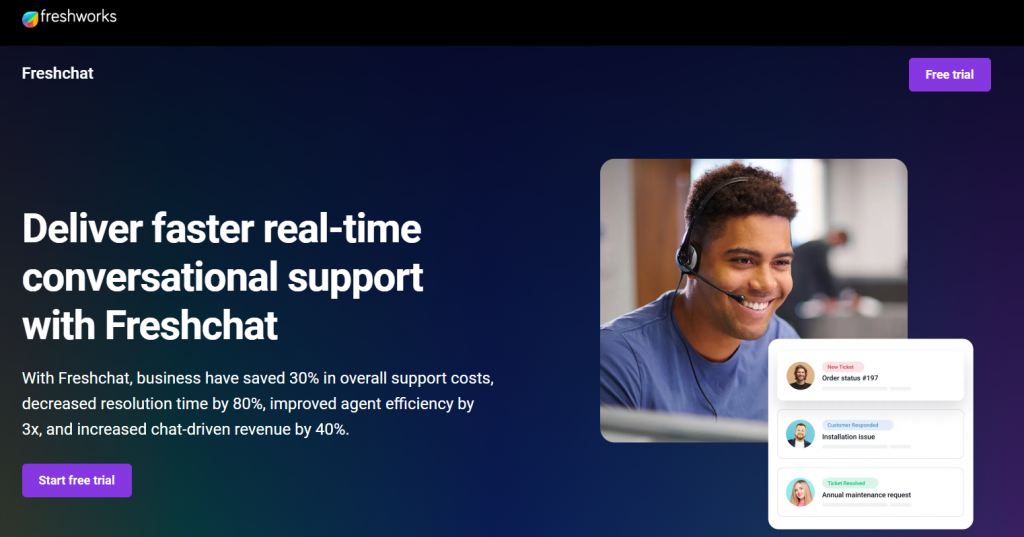
Freshchat is a cloud-based customer messaging platform from Freshworks that combines live chat, bots, and multi-channel engagement. It’s well-suited for teams that want an easy-to-use, hosted solution to manage conversations across web, mobile, and popular messaging apps.
Features
- Omnichannel Messaging: Engage customers on web, mobile apps, WhatsApp, Instagram, Facebook Messenger, Apple Business Chat, LINE, and more from a single workspace.
- Unified Inbox: Route and manage conversations from multiple channels in one place so agents don’t have to switch tools.
- Chatbots & Automation: Use Freshchat’s bot builder and Freddy AI to automate FAQs, qualify leads, and handle routine queries before handing off to agents.
- Campaigns & Proactive Messages: Trigger targeted messages based on user behavior, pages visited, or events to drive engagement and conversions.
- Team Collaboration: Assign conversations, use canned responses, and share context across agents to keep responses consistent and fast.
- API & Integrations: Connect with Freshdesk, Freshsales, CRMs, and other tools using native integrations and APIs for deeper workflows.
- Customer Context & Analytics: View visitor details, history, and basic analytics to understand performance and improve service quality.
Limitations
- Automation and chatbot customization can feel limited for complex workflows compared to more advanced AI platforms.
- Some users report missing or weaker integrations, along with occasional loading delays or minor bugs in the interface.
- Reporting and analytics are less detailed than dedicated analytics or enterprise suites.
Best For
- SaaS and eCommerce teams that want quick-to-deploy live chat and messaging with light automation.
- Customer support teams already using other Freshworks products (Freshdesk, Freshsales) and wanting tighter integration.
- Organisations needing multi-channel messaging (web, app, and social messaging apps) in a single tool without going fully open source.
5. LiveAgent

LiveAgent is a comprehensive help desk solution that combines live chat, ticketing, call center functionality, and social media management in one platform. It’s designed for businesses that want an all-in-one customer service solution with strong multi-channel support.
Features
- Universal Inbox: Manage emails, chats, calls, social media, and tickets from one interface.
- Live Chat with Proactive Invitations: Engage visitors automatically based on behavior and time on site.
- Ticketing System: Convert all customer interactions into trackable tickets.
- Call Center Integration: Built-in VoIP calling with call routing and recording.
- Knowledge Base: Create self-service portals and FAQ sections.
- Automation Rules: Set up triggers, time rules, and SLA management.
- 200+ Integrations: Connect with CRMs, e-commerce platforms, and productivity tools.
- Mobile Apps: Manage customer conversations on iOS and Android.
Limitations
- AI capabilities are basic compared to AI-native platforms
- Interface can feel dated compared to modern alternatives
- Per-agent pricing limits cost-effective scaling
- Automation requires manual configuration
Best For
- Small to medium businesses needing all-in-one support
- Teams managing multiple communication channels
- Companies wanting affordable ticketing with live chat included
- Businesses needing built-in call center functionality
6. Kommunicate
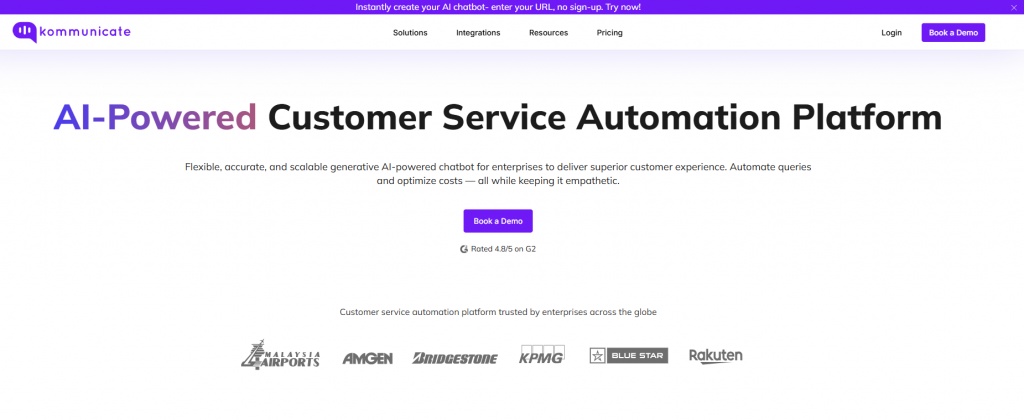
Kommunicate is a customer service automation platform that combines live chat with AI-powered chatbots. It is designed for businesses that want to blend human and automated support seamlessly, with a focus on quick deployment and multi-channel coverage.
Features
- Hybrid Chat Experience: Combines AI bots with human agents for seamless handoffs.
- Pre-Built Bot Templates: Industry-specific templates for quick deployment without starting from scratch.
- Multi-Channel Support: Deploy across website, mobile apps, WhatsApp, Facebook Messenger, and Line.
- Dialogflow & IBM Watson Integration: Connect with enterprise-grade NLP platforms for advanced conversational AI.
- Rich Messaging: Support for images, videos, buttons, carousels, and quick replies.
- Dashboard Analytics: Track bot performance, conversation metrics, and agent productivity.
- Custom Integrations: API access for connecting with CRMs, helpdesks, and backend systems.
Limitations
- Bot builder is less advanced compared to AI-native platforms
- Pricing increases quickly when adding more agents
- Limited customization without technical integration work
Best For
- Small to medium businesses wanting hybrid AI + human support
- Teams needing quick deployment with pre-built templates
- Companies looking for affordable multi-channel chat solutions
7. Robylon
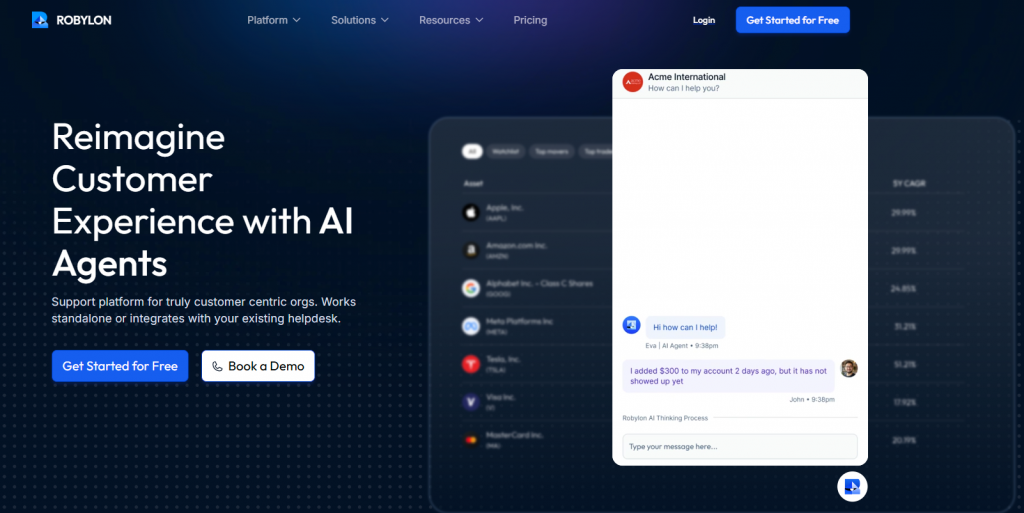
Robylon is an AI-powered customer engagement platform focused on voice and conversational automation. It specializes in handling high-volume customer interactions through intelligent voice bots and chat assistants, making it suitable for contact centers and customer service teams prioritizing phone support.
Features
- AI Voice Bots: Handle inbound and outbound calls with natural language understanding.
- Conversational AI: Multi-turn conversations with context awareness and intent recognition.
- Omnichannel Deployment: Voice, web chat, WhatsApp, and messaging platforms.
- Real-Time Agent Assist: Provide live agents with AI-powered suggestions during calls.
- Call Analytics: Track call metrics, sentiment analysis, and conversation outcomes.
- CRM Integration: Connect with major CRM systems for unified customer data.
- Custom Workflow Automation: Build automated processes for common call scenarios.
Limitations
- No public pricing transparency
- Primary focus on voice may not suit teams prioritizing chat
- Requires technical setup for advanced customization
- Limited information available compared to more established platforms
Best For
- Contact centers handling high call volumes
- Businesses prioritizing voice automation over chat
- Teams needing AI-powered phone support at scale
8. Hiver

Hiver is a customer support platform built directly inside Gmail. It transforms shared inboxes into collaborative support workspaces, making it ideal for teams already using Google Workspace who want to manage customer communication without switching tools.
Features
- Gmail-Native Interface: Manage support directly from Gmail with no context switching.
- Shared Inbox Management: Collaborate on emails with assignments, notes, and collision detection.
- Live Chat & Chatbots: Add website chat widgets with basic automation.
- Multi-Channel Support: Handle email, chat, WhatsApp, and phone from one platform.
- SLA Management: Set and track service level agreements for timely responses.
- Analytics & Reporting: Monitor team performance, response times, and customer satisfaction.
- Integrations: Connects with Slack, Salesforce, Asana, Jira, and Google Workspace tools.
Limitations
- Primarily email-focused; chat features are secondary
- Less powerful AI automation compared to dedicated platforms
- Requires Gmail/Google Workspace for full functionality
- Not ideal for teams needing advanced omnichannel automation
Best For
- Teams already using Google Workspace and Gmail
- Businesses managing high email volumes
- Companies wanting shared inbox collaboration without changing tools
9. Userlike
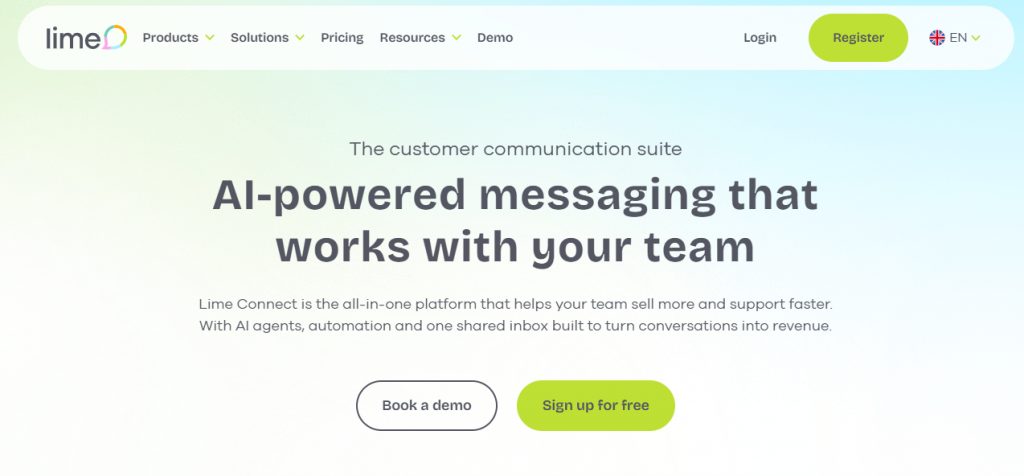
Userlike is a European live chat and messaging platform with strong data privacy compliance. It focuses on providing secure, GDPR-compliant customer communication across web chat, messaging apps, and mobile channels making it ideal for businesses operating in regulated markets.
Features
- Website Live Chat: Customizable chat widgets with proactive messaging triggers.
- Message Center: Unified inbox for WhatsApp Business, Facebook Messenger, Telegram, and SMS.
- AI Chatbots & Automation: Smart FAQ bots and conversation routing to reduce manual workload.
- GDPR Compliance: Built with European data protection standards, hosted in Germany.
- Video & Voice Calls: Escalate chat conversations to video or voice directly within the platform.
- Operator Analytics: Track response times, customer satisfaction, and chat performance.
- CRM Integration: Connects with Salesforce, HubSpot, Pipedrive, and custom systems.
Limitations
- Per-operator pricing becomes costly for larger teams
- Bot capabilities are less sophisticated than AI-first platforms
- Fewer integrations compared to global platforms like Intercom or Zendesk
Best For
- European businesses requiring GDPR compliance
- Companies prioritizing data privacy and regional hosting
- Teams needing secure messaging across web and mobile channels
10. Olark

Olark is a straightforward live chat tool designed for small and medium-sized businesses that want simple, effective customer conversations. It focuses on ease of use, quick setup, and human-centered chat without heavy automation complexity.
Features
- Simple Live Chat Widget: Easy-to-install chat box with customization options for branding.
- Real-Time Visitor Monitoring: See who’s on your site and engage proactively.
- Automated Messages: Trigger greetings and responses based on visitor behavior.
- Team Management: Assign chats to specific teams or agents with routing rules.
- Chat Transcripts: Automatic logging of all conversations for review and quality control.
- Integrations: Connects with Salesforce, HubSpot, WordPress, Shopify, and more.
- Reporting & Analytics: Track chat volume, response times, and customer ratings.
Limitations
- Very basic chatbot functionality not suitable for AI-driven automation
- Per-agent pricing model limits scalability
- Lacks advanced features like omnichannel messaging and voice support
- Limited customization for complex workflows
Best For
- Small businesses needing simple, affordable live chat
- Teams focused on human-led conversations rather than automation
- Companies wanting quick setup without technical complexity
LiveChat vs Alternatives: Quick Comparison Table
Here’s a quick comparison of all 10 LiveChat alternatives:
| Feature | YourGPT | Zendesk | Intercom | Freshchat | LiveAgent | Kommunicate | Robylon | Hiver | Userlike | Olark |
|---|---|---|---|---|---|---|---|---|---|---|
| Easy setup | Yes, no code setup | Moderate | Moderate | Quick setup | Moderate | Fast setup with templates | Technical setup needed | Gmail native | Moderate | Very simple |
| AI capabilities | Advanced, self improving | Assistive AI | Partial AI | Basic AI | Basic rules | AI via integrations | AI | AI Capability | Basic automation | No |
| Customization | Advanced workflows and APIs | Large app marketplace | Apps and webhooks | Wide integration support | Wide integration support | API based | CRM and system APIs | Google Workspace based | CRM integrations | Basic options |
| Omnichannel | Web, WhatsApp, Instagram, Slack, Telegram, email, voice | Email, chat, voice, social | In app, email, chat | Web, mobile, social apps | Email, chat, voice | Messenger and chat apps | Voice and chat | Email, chat, WhatsApp | Web, WhatsApp | Website chat only |
| Unified inbox | Yes | Yes | Yes | Yes | Yes | Yes | Voice and chat console | Gmail based | Message center | Single chat view |
| Mobile app | Yes | Yes | iOS and Android | iOS and Android | iOS and Android | iOS and Android | Limited | Mobile email access | Mobile apps | Basic |
| Browser extension | Yes | No | No | No | No | No | No | Gmail extension | No | No |
| Analytics | AI driven analytics | Detailed reporting | Engagement analytics | Standard reporting | Detailed reporting | Bot metrics | Call analytics | Team analytics | Chat analytics | Basic metrics |
| Security | SOC2 and GDPR | Enterprise security | SaaS security | ISO and GDPR | ISO and GDPR | Good security | Encrypted calls | Google security | GDPR focused | Standard SaaS security |
| Best fit | SMB to enterprise using AI agents | Large support teams | SaaS companies | Freshworks users | Multi channel support | Hybrid teams | Voice heavy teams | Gmail users | EU businesses | Small teams |
How to Choose the Right LiveChat Alternative
Selecting the right customer communication platform starts with understanding how well it matches your team’s capabilities, business objectives, and growth trajectory. The ideal LiveChat alternative should help you automate intelligently, respond faster, and scale customer interactions without creating operational bottlenecks.
1. Assess Your AI Needs
Before comparing platforms, determine how much you want AI to handle versus human agents. If you need intelligent automation that reduces agent workload significantly, platforms like YourGPT and Intercom deliver strong AI capabilities.
2. Match the Platform to Your Team’s Technical Skills
Non-technical teams benefit from platforms offering no code builders and quick setup without coding YourGPT and Kommunicate excel here. Teams with developers or IT support can use enterprise platforms like Zendesk. Gmail-heavy teams should consider Hiver for native integration.
3. Evaluate Channel Coverage
Identify where your customers communicate most. If you need comprehensive omnichannel support across web, WhatsApp, Instagram, voice, and social media, YourGPT, Zendesk, and Intercom provide broad coverage. For website-only chat, Olark works well. European businesses requiring GDPR-compliant messaging should evaluate Userlike.
4. Compare Pricing Models Carefully
LiveChat’s per-agent pricing can become costly as your team expands. Look for alternatives with transparent, predictable pricing that match your budget. YourGPT provides flat monthly plans that do not increase with the number of agents. Freshchat offers straightforward, usage-based plans that work well for growing teams. Always calculate the total cost, including setup, integrations, and any feature add-ons you may need.
5. Prioritize Essential Features
Focus on features that directly impact your workflow efficiency: AI automation quality, human handoff smoothness, analytics depth, customization flexibility, and integration ecosystem. YourGPT combines ease of use with advanced automation. Zendesk offers mature workflows for established teams. Hiver simplifies collaboration for email-centric support.
6. Consider Long-Term Scalability
The right platform should grow with your business without requiring migration later. Evaluate how well it handles increasing conversation volumes, supports new channels, and maintains performance under load. Choose solutions that reduce manual effort over time while keeping operational costs manageable.
FAQ
What is the main reason teams look for LiveChat alternatives? ▼
Most teams seek alternatives when they need stronger automation, more predictable pricing, or broader omnichannel support. LiveChat excels at real-time chat but lacks the advanced AI and flexibility growing support teams require.
Which LiveChat alternative offers the strongest AI automation? ▼
Platforms like YourGPT offer advanced AI automation, including context retention, workflow execution, and multi-step actions—without manual setup. These are ideal for scaling teams seeking smart support solutions.
How do LiveChat alternatives differ in pricing models? ▼
Some alternatives use per-agent pricing (e.g., Zendesk, Intercom), while others offer flat monthly or usage-based plans. Predictable pricing is a key reason teams switch away from LiveChat as they scale.
Which platforms are best for omnichannel customer communication? ▼
YourGPT, Zendesk, LiveAgent, and Freshchat support communication across web, mobile apps, email, WhatsApp, Instagram, voice, and social messaging—making them strong choices for omnichannel support.
Do any alternatives support voice-based customer service? ▼
Yes. Robylon excels in AI-powered voice automation. Other platforms like YourGPT, Zendesk, and LiveAgent also include voice channels as part of their customer service offerings.
What should small businesses choose if they only need simple live chat? ▼
Olark is a reliable choice for small teams needing basic live chat without automation. It’s quick to set up, easy to use, and focuses on human-led support interactions.
Which alternative is best for teams using Google Workspace? ▼
Hiver integrates directly into Gmail, making it a great fit for teams using Google Workspace. It keeps support operations inside the familiar Gmail interface.
What is the best platform for European businesses that need GDPR-focused tools? ▼
Userlike is tailored for GDPR compliance and privacy-first communication. It’s a top choice for businesses operating in highly regulated environments across Europe.
Do these platforms require technical skills to set up? ▼
No-code tools like YourGPT and Kommunicate are easy to set up with no technical skills required. Others like Zendesk, Intercom, or Robylon may need configuration or development resources.
How do I decide which LiveChat alternative is right for my team? ▼
Consider your team’s needs for automation, channels, budget, technical expertise, and data privacy. Use these priorities to match with a platform from the comparison list that supports your long-term goals.
Conclusion
Choosing a LiveChat alternative depends on how much automation your team needs, how wide your channel coverage is, and how predictable you want your costs to be. Many companies now want faster resolution, reduced manual workload, and support across more customer touchpoints.
YourGPT addresses these needs with strong AI agents, multi source training, no code setup, and coverage across WhatsApp, Instagram, email, web, and voice. It supports support, sales, and operations from one workspace without raising costs when your team grows.
Other platforms offer value in their own categories. Intercom works well for SaaS onboarding and life cycle messaging. Zendesk and LiveAgent are suitable for structured support teams that rely on ticket driven workflows. Freshchat is a good match for teams using the Freshworks suite. Userlike supports privacy focused European companies. Hiver fits Gmail heavy teams, and Robylon is designed for voice automation.
Review your automation needs, channel expectations, and budget. Select the platform that removes friction for your team and helps you support customers with speed and clarity.
A Smarter Way to Upgrade Beyond LiveChat
If you’re exploring alternatives, choose a platform built for modern support needs. YourGPT offers fast setup, flexible training, and reliable performance across every channel.
Made for teams looking to improve speed, clarity, and efficiency
Leave a Reply